Need UC for Elite Royale Pass or a cleaner iron sight? Buy PUBG Mobile UC on BitTopup with Player ID only. Global server. No password.
PUBG Mobile 4-finger claw + gyro baseline (August 2026)
Piece | Start here | Notes |
|---|---|---|
HUD code |
| 4-finger Classic TPP. Save a backup first |
Sensitivity code |
| Camera + ADS + gyro in one string. It does not delete recoil |
Gyro mode | Always On after week 1 | Official names: Activate the scope, then Always on |
TPP camera (no scope) | 125% | 4-finger. Thumb-only stays near 100–110% |
Red Dot ADS | 50–60% | Raise 5% if the 25 m dummy still climbs |
8x ADS | 12% | Hold, do not flick |
Gyro no-scope | 300% | Hip-fire flicks |
Gyro 8x | 90% | Stops over-tilt |
Fire button | Top-left, 120–140% | Right fire Off |
Graphics | Smooth + highest locked FPS | Unstable frames fake a bad sensitivity |
Paste the HUD, then the sensitivity code. Test in Training Ground with an M416 (compensator + vertical foregrip + tactical stock) at 10 m, 25 m, and 50 m. Cloud slots expire after some patches. Type the tables if Preview rejects the string.
Three-finger players should use the PUBG Mobile 4.5 3 finger claw settings instead of shrinking this HUD.
Finger map and 4.5 HUD rules
Finger | Job | Where it lives |
|---|---|---|
Left thumb | Walk, sprint | Bottom-left joystick |
Right thumb | Camera, peek, crouch, prone | Right stack. Keep Jump and Climb separate |
Left index | Fire | Top-left corner, 120–140% size, 60–80% transparency |
Right index | ADS / scope | Mid-right, about 100% |
Right fire stays Off so you do not double-tap. Peek sits above ADS. Open / Rescue / Drive / Get In sit in the center cluster at 80–100%. You only hit those when you need them.
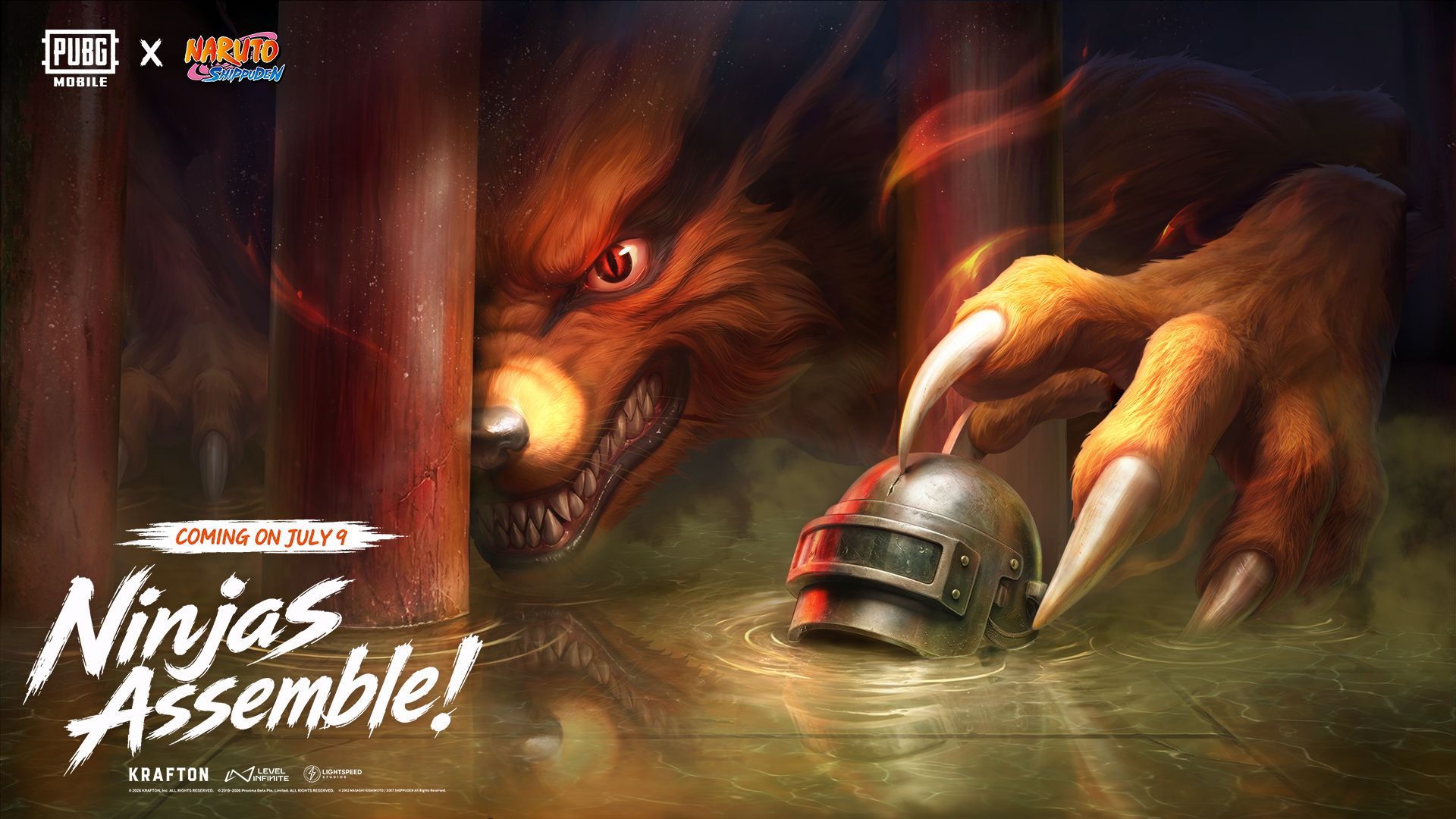
Version 4.5 adds Ninja Run and Chakra in the themed mode. Park both buttons away from fire, ADS, and peek. A missed index tap in a rooftop chase costs more than a late jutsu. Ranked Classic uses the same claw. The official 4.5 announcement lists the themed-mode window through 7 September 2026.
Extra layout | Code | Use it when |
|---|---|---|
Mid-size phone |
| The 303 fire button sits too high |
AR spray |
| You live on Red Dot and 3x |
DMR / sniper |
| Scope buttons need priority |
Tablet 6-finger |
| 6.7-inch and up, two extra index zones |
Phones under 6.1 inches force the indexes onto the thumbs. Move fire inward 5–10% and drop button size toward 100% before you add utilities. Tablets take the 6-finger code. More camera travel on a 10-inch panel needs a camera bump, not a gyro cut. Full camera and ADS ranges sit in the PUBG Mobile sensitivity baseline.
How to import a 4-finger layout
Official path, from the PUBG Mobile Help Center:
Lobby → ▲ (bottom right) → Settings → Controls.
Open Classic Mode TPP. Use Layout 2 so Layout 1 stays as a fallback.
Tap Customize. Place fire top-left. Turn the right fire button Off.
To paste a code: Layout / Scheme (magnifying glass) → Search Method → enter the string → Preview → Apply.
Quick Copy to Classic FPP and Arena TPP so the claw does not reset when you change modes.
Save or screenshot the old HUD before Apply. Share codes overwrite the slot.
Gyroscope sensitivity (Always On)
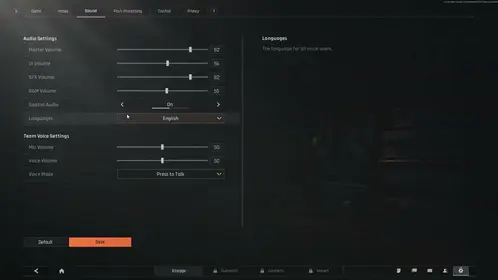
Official wording in the PUBG Mobile Help Center (Game Related) is Activate the scope or Always on. Reverse Off. Throwables Gyro Aiming Off. You tilt for vertical recoil. The right thumb only corrects horizontal drift.
Calibrate on a table: Settings → Sensitivity → Gyroscope → Calibrate. Hold the angle you use in ranked. Heat above a long session drifts the sensor. You will blame the code when the phone is warm.
Week 1: Activate the scope. Flip Always on after Red Dot sprays stay on the 25 m plate.
Scope | Gyro | ADS Gyro |
|---|---|---|
TPP No Scope | 300% | 400% |
FPP No Scope | 280% | 365% |
Red Dot / Holo / Iron / Canted | 280% | 365% |
2x | 270% | 300% |
3x / Win94 | 180% | 275% |
4x / VSS | 160% | 275% |
6x | 120% | 120% |
8x | 90% | 100% |
Close-range gyro stays high. 3x and above drop so a small tilt does not throw the reticle. High-sens players who already own the grip can run 400% from No Scope through 2x, then follow the same 6x / 8x floor. Do not copy a 400% 4x page onto a 60 Hz phone.
Scope | Camera | ADS |
|---|---|---|
TPP No Scope | 125% | 125% |
FPP No Scope | 110% | 110% |
Red Dot / Holo / Iron / Canted | 50% | 55% |
2x | 35% | 40% |
3x / Win94 | 25% | 30% |
4x / VSS | 25% | 28% |
6x | 15% | 20% |
8x | 12% | 12% |
Free Look: TPP character and vehicle 120–150%. Drop vehicle Free Look 10–20% if the turret pans make you sick. Gyro in a car turns the camera when you hit a bump. Switch to Activate the scope or cut gyro before you drive.
Import path, from the sensitivity Help Center page:
Screenshot Camera, ADS, and Gyro, or upload them from Sensitivity → Cloud Management.
Lobby → ▲ → Settings → Sensitivity.
Search Method. Paste the full code, including hyphens. Some layouts add a leading
1-.Preview the cascade. Use Layout → Confirm.
Gyro numbers in the code only apply if Gyroscope is Activate the scope or Always on.
Device code | Role |
|---|---|
| Universal start |
| Android 90 Hz+ |
| iPhone 120 Hz (13 Pro and newer) |
A share code packs sliders. It does not give zero recoil. Exclusive Sensitivity (+Add) uploads as its own cloud bundle. A general import does not wipe those slots unless you overwrite the exclusive pack.
Control toggles that match 4-finger + gyro
Toggle | Value | Why |
|---|---|---|
Gyroscope | Always on (Activate the scope in week 1) | One muscle memory |
Gyroscope reverse | Off | Up stays up |
Throwables gyro aiming | Off | Nades do not follow a wrist twitch |
Scope mode | Hold | Right index holds ADS while left index fires |
Quick Scope Switch | On | Red Dot to 3x without a second menu |
Camera rotation while ADS | Off | Tilt owns vertical; thumb owns yaw |
Peek | On, Hold | Lean without losing the sight |
Lean and open scope | Off for Always on gyro | Prevents a double input |
Jump / Climb | Separate | Stops a jump from becoming a vault |
Merge crouch and prone | Off | Accidental prone in a doorway |
Reload interrupt | Fire interrupt | Shoot first |
Aim assist | On | Off only after you already track without it |
Auto jump | Off | |
Control style | Modern | |
System auto-rotate | Off | A tilt during a spray must not flip the display |
Device, FPS, and heat
120 FPS (Ultra Extreme) has been in the client since Version 3.2. 4.5 only adds more 90 / 120 devices. Lock Smooth and the highest frame rate the phone holds. A 60 FPS lock beats a 90 FPS drop mid-spray.
Device | First tweak |
|---|---|
120 FPS, Smooth | Use the tables as written |
90 FPS | Camera −5% |
60 FPS | Camera −10% |
Tablet / iPad | Camera +10–20%. Raise gyro only if a 180° tilt feels late |
Under 6.1-inch | Fire 100–110%, pull buttons off the bezel |
The old “add 10–15% for 90 Hz” line fights the frame-time. Higher FPS makes recoil look smoother. You raise camera only after the 180° swipe undershoots.
Thermal throttle kills both touch and gyro. Close background apps. A clip-on cooler helps more than another 2% on Red Dot. Disable system auto-rotate before ranked.
S2G Esports won the 2026 PUBG MOBILE World Cup in Paris on 16 August. The official PUBG MOBILE Esports site carries the circuit calendar. Broadcast HUDs from that stage are not a drop-in for a 6.1-inch 60 Hz phone. Public pro codes still sit near 120% camera, 50% Red Dot, 12% 8x. Move 5–10% for your panel.
Weapons and 4.5 recoil notes
Learn on 5.56 first. M416, SCAR-L, QBZ, and G36C hold a straight first mag if you tilt through the climb and swipe only for side drift.
Version 4.2 raised 7.62 damage. Those numbers still sit on Season 31 loot:
Weapon | August 2026 damage | Gyro note |
|---|---|---|
M416 | baseline 5.56 | Use the table as written |
AKM / Mk47 | 50 | Red Dot gyro 380–400%. Pull the first 10 rounds harder |
M762 | 48 | Same gyro as AKM. Red Dot ADS can sit at 48% |
ACE32 | 46 after 4.5 | Closer to M416 than to M762. 4x ADS 25% |
SMGs (MP5K, P90, Vector, UZI, and the rest of the 4.5 list) | draw / stow ~30% faster | Red Dot ADS 52–55%, camera +10% |
Compensator plus vertical foregrip plus tactical stock is the Training Ground page. Half grip is the room-clear page. Stance cuts kick before sensitivity does: crouch at 50 m, prone on 6x / 8x.

Training (first two weeks)
Expect worse ranked games for 3–4 days. The grip is new. Skip large-map ranked until TDM feels boring.
Official Training Ground entry: lobby map picker → Training → TPP or FPP. Cheer Park is the crowded sibling. Solo Training is enough for the drills.
Drill | Setup | Pass mark |
|---|---|---|
Hip-fire track | Moving dummy, gyro only, no thumb | Crosshair stays on the torso |
Wall spray | Full mag at 10 m, then 25 m, then 50 m | Group tightens as distance grows |
Scope swap | 6x at 100 m → Red Dot at 25 m | Sight lands without a second swipe |
180° turn | No scope, one swipe | Stop on the same wall mark |
Sniper hold | Kar98k / M24, 8x, 200 m | First shot on target, no gyro shake |
Change one slider by 5%. Fire the same mag again. Ten to fifteen minutes a day beats a two-hour session you skip on Tuesday.
TDM for days 1–4. Classic warm-up after the 50 m M416 plate holds. Full comfort with Always On sits closer to two or three weeks than to a weekend.
Troubleshooting
Symptom | Fix |
|---|---|
Spray climbs | ADS Gyro +5% on that scope, or tilt earlier on the first 10 rounds |
Reticle dives under the dummy | ADS Gyro −5%, or ease the wrist |
180° overshoots | Camera −5–10% |
180° undershoots | Camera +5–10% |
Shaky Always On hip-fire | You are flicking from the wrist. Use the forearm for big turns |
Buttons fire when you peek | Add 10–15% gap. Master fire + move before you add smokes |
Code rejects | Type the table. Cloud slots fill up after patches |
Gyro feels empty after import | Gyroscope is still Off on the main Settings tab |
Low-end stutter | Smooth, max stable FPS, shadows off, Auto-adjust off |
Copying a PMWC overlay without a device pass is the usual miss. Adjust 5% at a time. Review the 25 m plate once a week during the first month.
Spend UC after the HUD works
Skins do not raise damage. A cleaner iron sight on the gun you already spray is the one cosmetic that changes the same drills. Elite Royale Pass is the first 600 UC buy if you play the season out. BitTopup tops up the global server with Player ID only. Japan, Korea, Taiwan, and Vietnam are out of scope.
How to top up: copy the 10-digit Player ID under your avatar, pick a pack, pay. No password.

FAQ
What are the best 4-finger settings for PUBG Mobile in 2026?
Layout7275-1794-4178-8556-303 plus gyro 300% No Scope → 90% 8x, camera 125%, Red Dot ADS 50–60%. Import1-7435-8846-3421-0303-0728, then run the 25 m M416 test. Public pro pages cluster near those camera and ADS numbers. Treat a stream overlay as a start, not a lock.
How do I set up gyroscope with 4-finger claw?
Enable gyroscope. Calibrate on a table. Week 1: Activate the scope. Then Always on. Start at No Scope 300%, Red Dot 280%, 2x 270%, 3x 180%, 4x 160%, 6x 120%, 8x 90%. Practice hip-fire tracking and wall sprays 10–15 minutes a day.
What sensitivity should I use for 4-finger + gyro?
Keep the cascade: high close, low long. Universal code1-7435-8846-3421-0303-0728. Android 90 Hz+:1-7462-2496-3022-3831-210. iPhone 120 Hz:1-7478-5115-3389-3888-855. Climb = +5% ADS or gyro. Overshoot = −5%. 120 FPS uses the table as written. 90 FPS cuts camera 5%.
How do I import PUBG Mobile settings codes?
Layouts: Settings → Controls → Customize → Layout / Scheme → Search Method → paste → Apply. Sensitivity: Settings → Sensitivity → Search Method → paste → Preview → Use Layout. Save the current slot first. Same Help Center paths as the import sections above.
Which devices work best for 4-finger claw?
6.1-inch and larger. 90 / 120 FPS phones keep sprays readable. Tablets take6960-4887-1407-8797-709. Keep the chassis cool. Disable auto-rotate.
How long does 4-finger claw take to learn?
TDM for 30–45 minutes a day. Most players drop for 3–4 days, return to baseline in week 2, and start winning close fights in week 3. Skip ranked on day one.
Conclusion
PUBG Mobile 4-finger claw + gyro settings work when the HUD, the gyro switch, and the scope cascade agree. Import7275-1794-4178-8556-303 and1-7435-8846-3421-0303-0728, spray the M416 at 25 m, then change one slider. Park Ninja Run off fire until 7 September. Bookmark this page for the 9 September 4.6 drop. When you need UC for the pass or a cleaner sight, top up PUBG Mobile UC on BitTopup.