Royale Pass and 4x / 6x sight skins cost UC. Buy PUBG Mobile UC on BitTopup with Player ID only.
Best 120Hz gyroscope codes (August 2026)
Updated on 2026-08-26: Version 4.5.0 is live (9 July 2026). Season 31 runs 16 July–11 September 2026 (UTC+0). Version 4.6 is scheduled for 9 September 2026. Retest Red Dot and 3x gyro after that patch.
A share code packs Camera, ADS, Gyro, and HUD into one string. It does not delete recoil. If the cloud slot is full or the code expired, type the tables by hand.
Code | Role | Who should import it |
|---|---|---|
| iPhone 120Hz | iPhone 13 Pro and newer Pro / Pro Max |
| Android 90/120Hz | Galaxy S23–S26, OnePlus 13 / 15, ROG, RedMagic |
| Universal start | First import on any 120Hz phone |
| Alternate balanced | Thumb layout, or a fallback if the iPhone string fails |
| iPad / tablet | Larger swipe distance. Raise camera 10–20% after import |
| 4-finger HUD | Layout only. Pair it with one of the sensitivity codes above |
The September 2025 page swapped these roles. It put7307-1085-6780-4282-435 on iPhone Pro and1-7478-5115-3389-3888-854 on ROG. Those assignments are wrong.…855 is the iPhone 120Hz string.…854 is the tablet string.1-7435-8846-3421-0303-0728 is the all-round start, not a tournament-only code.
Why 120Hz changes gyroscope feel
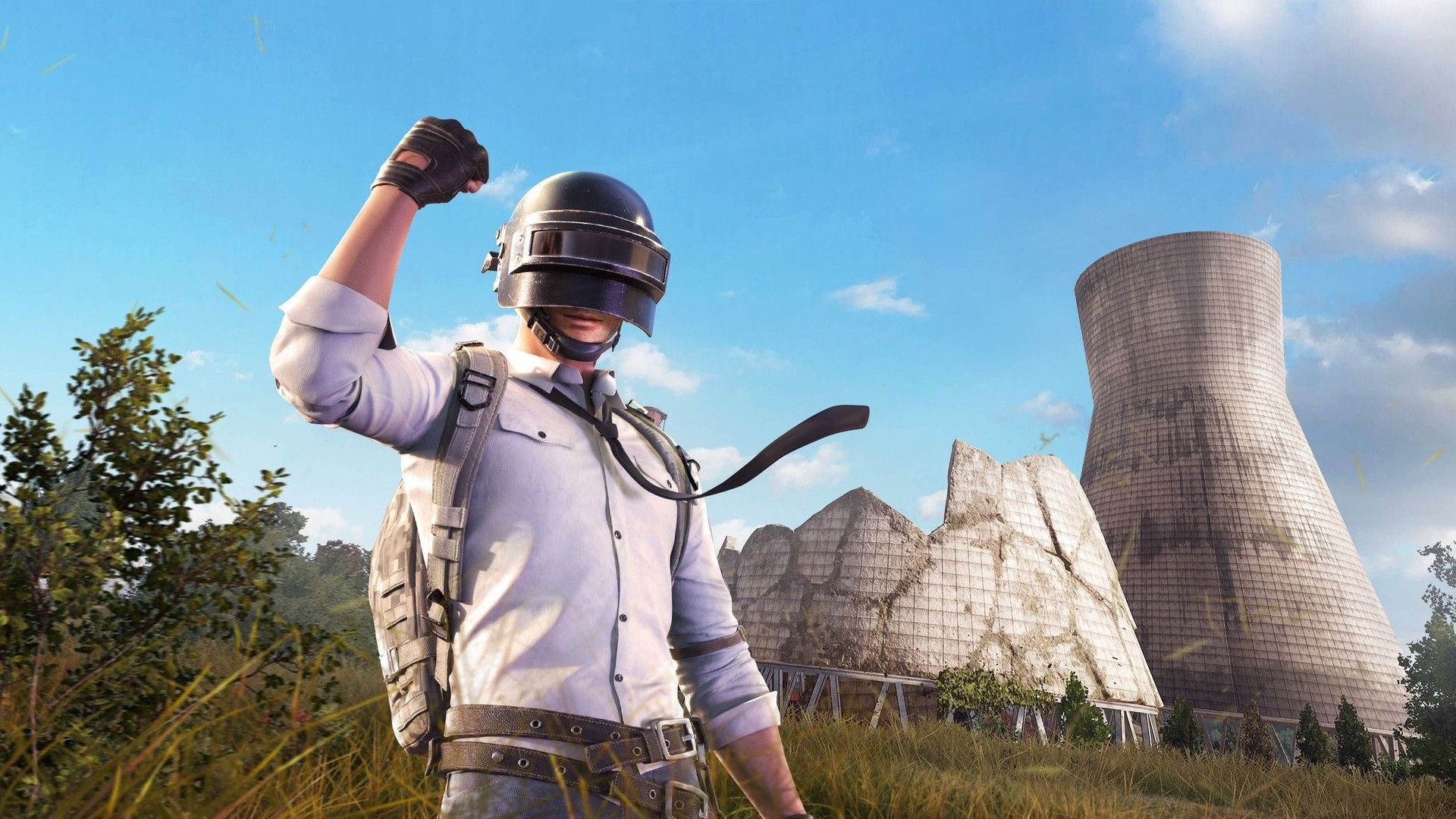
A 120Hz panel plus Ultra Extreme draws a frame every 8.33 ms. 60 FPS is 16.67 ms. You see recoil steps and peek motion sooner, so the same percentage feels slower. Raise camera 5–15% from a 60Hz layout. The old 15–25% bump overshoots on 3x and 4x.
Touch sampling and the gyro sensor run on the SoC. A locked 90 through the third circle beats a 120 that hitches when two squads collapse. Check heat and Auto-adjust before you change the code.
Gyro vs thumbs: thumbs cover 180° turns and left-right tracking. Tilt covers the first-mag climb. Touch-only fire buttons sit on the sight picture. Gyro keeps those thumbs on movement.
Lock 120 FPS before you touch sliders
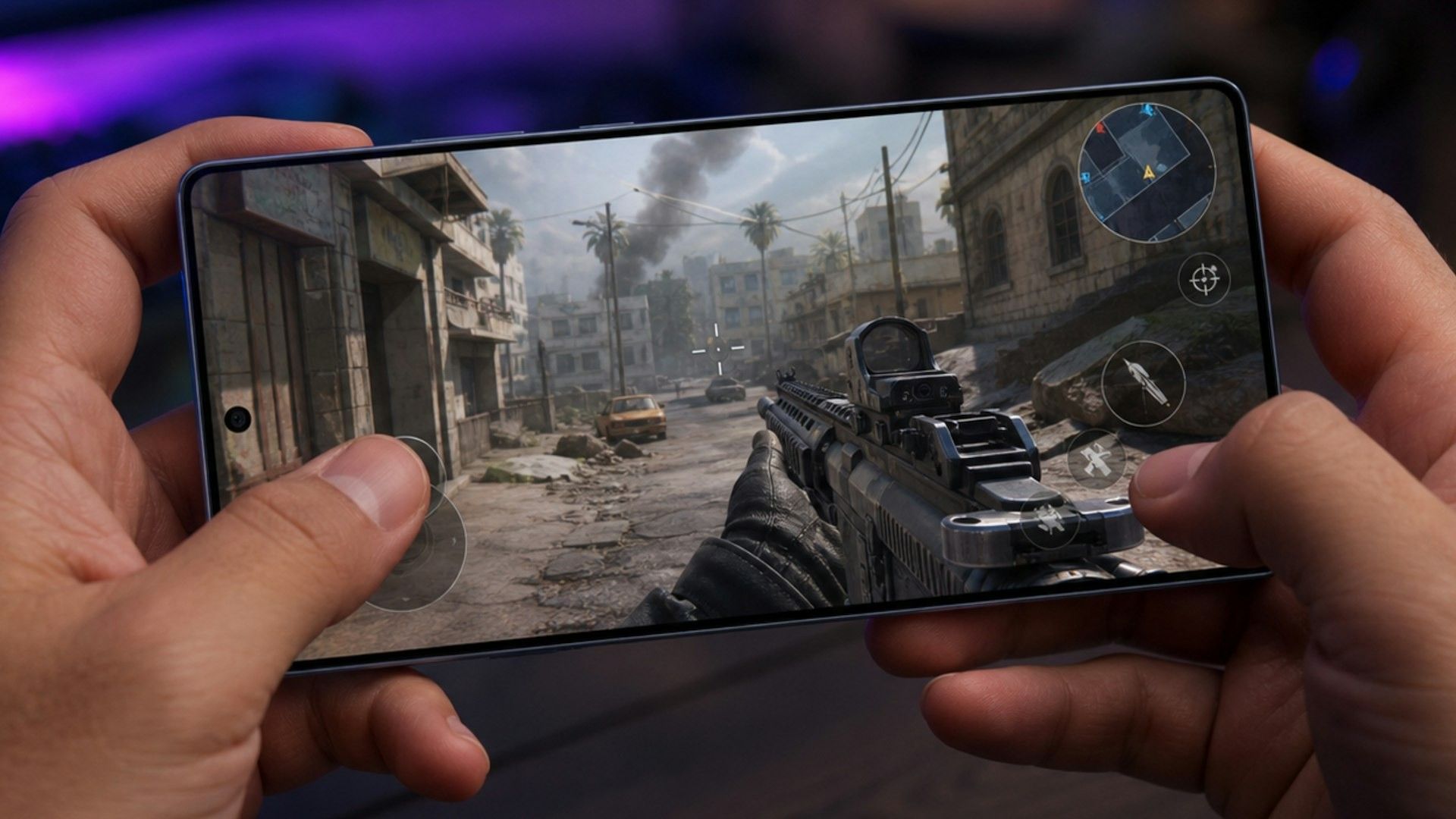
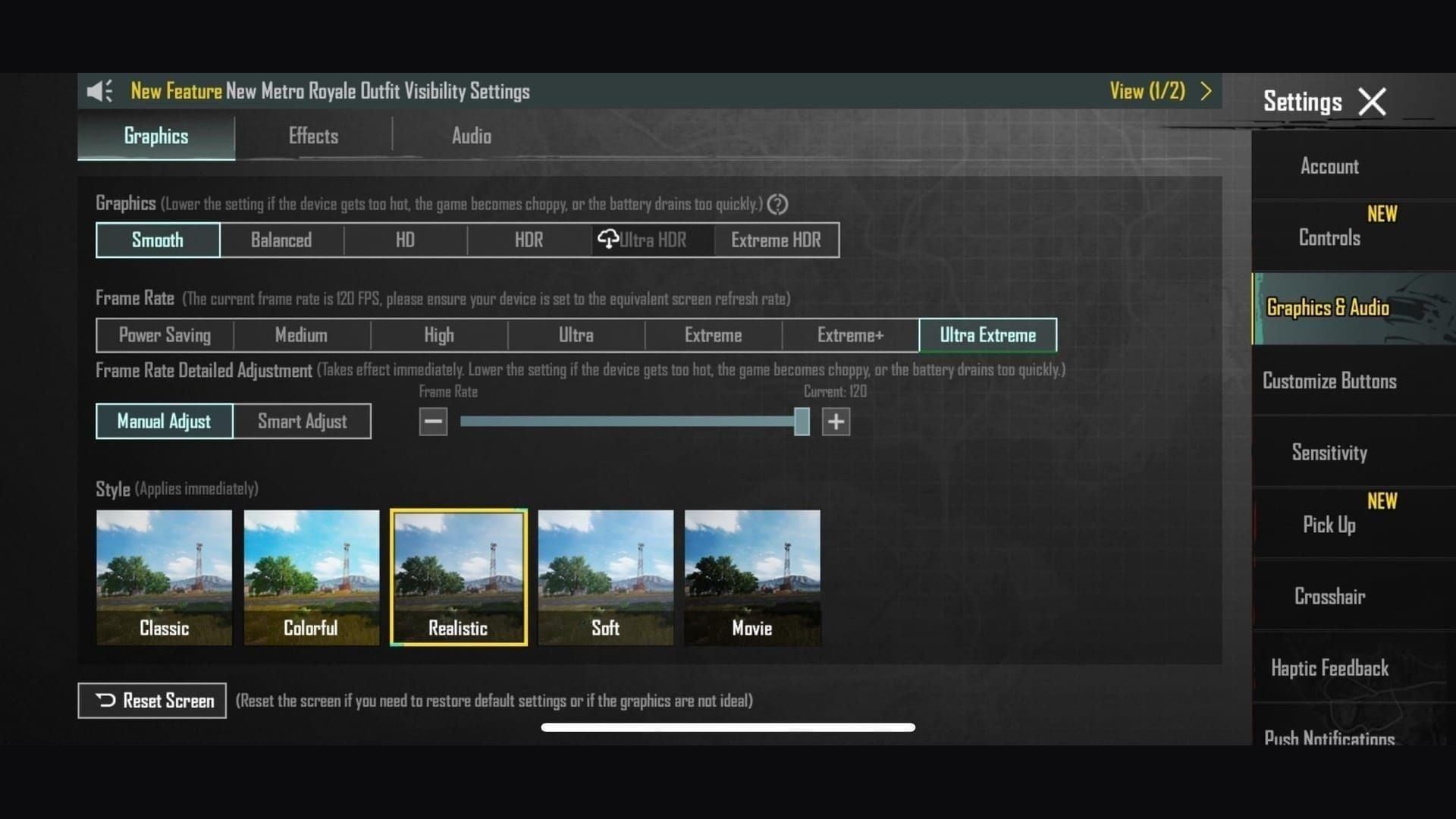
Settings → Graphics & Audio → Combat:
Setting | Value |
|---|---|
Graphics | Smooth |
Frame Rate | Ultra Extreme (120). Extreme+ is 90 |
Style | Classic or Colorful |
Shadows | Off |
Anti-aliasing | Off |
Auto-adjust graphics | Off |
Show FPS | On |
Smooth is the only preset that can open Ultra Extreme on Version 4.5. HD / HDR caps at 90. Ultra HDR caps at 60. Confirm the row on your unit. Krafton does not publish one global model PDF. See the PUBG Mobile 120 FPS device list if Ultra Extreme is grey.
90 FPS: camera −5% from the table. 60 FPS: camera −10%. A 60Hz iPhone (base 14 / 15 / 16) cannot show 120 unique frames. Use the 60 FPS cut.
120Hz gyroscope baseline
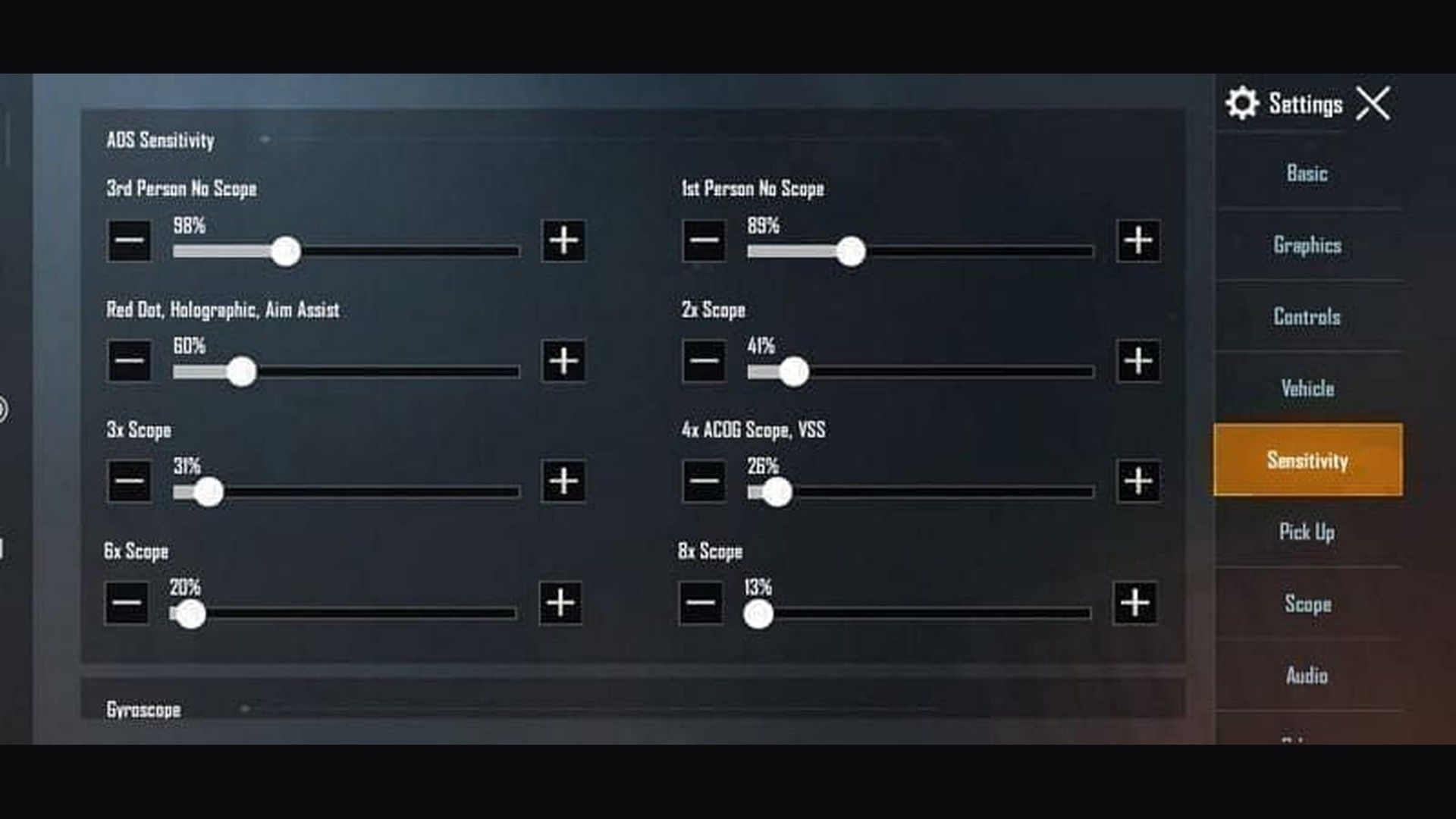
Camera moves the view when you swipe and are not firing. ADS moves the sight while you hold the trigger. Gyroscope adds tilt on top of both.
Official toggles, from the PUBG Mobile Help Center: Activate the scope (gyro only while ADS) or Always on. Start on scope-on for a week. Switch to Always on after Red Dot sprays stay on the 50 m plate.
Keep the cascade: each higher scope is slower than the one below it. Jump a scope by more than 10% and the swap from 6x to Red Dot feels broken.
Scope | Camera | ADS | Gyro | ADS Gyro |
|---|---|---|---|---|
TPP No Scope | 120% | 100–120% | 300–400% | 400% |
FPP No Scope | 105–110% | 100–110% | 280–300% | 365% |
Red Dot / Holo / Iron / Canted | 50–60% | 50–60% | 280–365% | 365–400% |
2x | 35–45% | 35–50% | 270–320% | 300% |
3x / Win94 | 25–35% | 25–35% | 180–275% | 275% |
4x / VSS | 25–30% | 25–30% | 160–275% | 275% |
6x | 15–25% | 15–25% | 100–170% | 120% |
8x | 10–15% | 12% | 80–120% | 90–100% |
Free Look | 150% | n/a | n/a | n/a |
120 FPS uses the table as written. Thumb layouts sit near camera 100–110% and Red Dot ADS 45%. 4-finger claw can run camera 125%. Full camera / ADS / gyro numbers live on the PUBG Mobile sensitivity settings page.
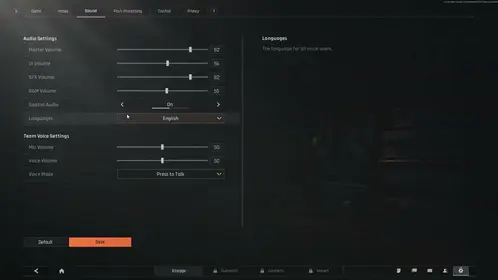
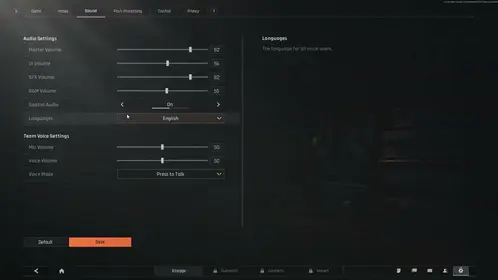
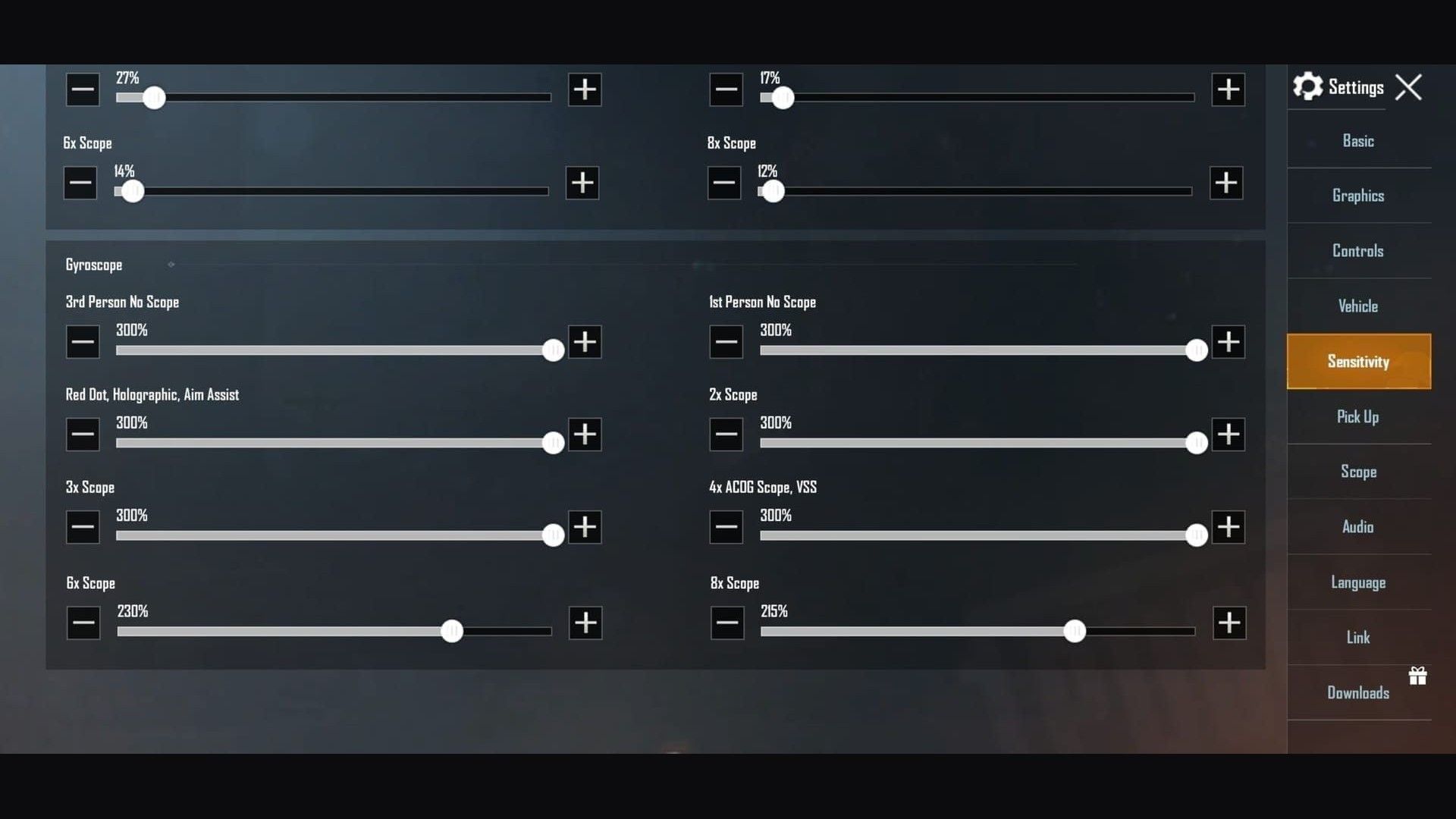
The screenshot below is a high-gyro example (300% through 4x). Drop 3x / 4x toward 180–275% and 8x toward 90% if the sight overshoots the 50 m plate.
Weapon first tweaks after the 4.2 7.62 damage reset and the 4.5 ACE32 / SMG pass:
Weapon | First tweak |
|---|---|
M416 / SCAR-L | Use the table |
AKM / M762 | Red Dot gyro 380–400%. First 10 rounds need a harder pull-down |
ACE32 (46 after 4.5) | 4x ADS 25%. Gyro closer to M416 than to M762 |
SMGs (MP5K, Vector, UZI, JS9) | Camera +10%. Red Dot ADS 52–55% |
Kar98k / M24 / AWM | 8x gyro 80–85%. Hold, do not flick |
How to import a sensitivity code
Screenshot Camera, ADS, and Gyro, or upload them from Sensitivity → Cloud Management.
Lobby → gear (or ▲ then Settings) → Sensitivity.
Tap the search / Search Method icon.
Paste the full code, including hyphens. Some layouts add a leading
1-.Tap Preview, compare the cascade, then Use Layout → Confirm.
Set Gyroscope to Activate the scope or Always on on the main Settings tab. A gyro code on a gyro-off account looks fine in Preview and then feels empty in a fight.
Per-weapon Exclusive Sensitivity (+Add) uploads as its own cloud bundle. Importing a general code does not wipe those slots unless you overwrite the exclusive pack.
Device setup for 120Hz gyro
iPhone 13 Pro through 17 Pro
ProMotion is the panel. Base iPhone 14 / 15 / 16 stay at 60Hz. Some August 2026 lists name 17 Pro / Pro Max. Confirm Ultra Extreme in Frame Rate.
Turn off Settings → Accessibility → Motion → Limit Frame Rate. Turn off Auto-Brightness, Low Power Mode, and Focus interruptions. Close background apps. Calibrate on a table: Settings → Sensitivity → Gyroscope → Calibrate, 10 seconds, same angle you use in matches.
If combat feels capped after Ultra Extreme, start a Control Center screen recording, then return to the match. Some ProMotion units hold 120 while that session is open. Stop the recording when you are done.
Galaxy S23 through S26
Game Booster → Performance. Turn off auto-optimize and Adaptive Battery for PUBG Mobile. Lock the system refresh to 120Hz. Natural or Vivid only changes color. Motion smoothing belongs off.
Watch CPU / GPU in Game Tools. A climb past ~80% plus a mid-40s °C shell is thermal throttle. Pull the case. Skip charging in-match.
OnePlus 13 / 15 and gaming Androids
OnePlus skipped a 14 on most 4.5 lists. Sidebar → Gaming Mode → High Performance. Lock 120Hz for PUBG Mobile. Turn off Adaptive Brightness and Smart Resolution. Stop RAM optimization from killing the client on an app switch. That reset drops gyro calibration.
ROG Phone 7–9 and RedMagic 9–11 hold 120 longer because of the fan. They can run the top of the gyro range. Mid-range Androids (Snapdragon 7+ / Dimensity 8300) stay on Extreme+ (90) and the −5% camera cut.
How to test in Training Ground
Training Ground is a lobby mode.7307-1085-6780-4282-435 is a sensitivity layout, not an entry code for the range.
Open the mode / map picker → Training (TPP or FPP). Change one slider, then fire the same mag again. A 5% ADS or gyro step is enough.
Drill | Setup | Pass mark |
|---|---|---|
Wall spray | M416 + Red Dot, gyro only, 10 / 25 / 50 m | Tight group on the plate. Climb = +5% ADS or gyro. Overshoot = −5% |
180° turn | No scope, one swipe | Stop on the same wall mark |
Target track | Moving dummy, gyro only | Smooth follow. Jerky path means camera or gyro is high |
Scope swap | 6x at 100 m → Red Dot at 25 m | Sight lands without a second swipe |
8x hold | Kar98k / M24, 200 m | First shot on target, no shake |
Give a new code 10–20 ranked games before you rip it out. Training Ground has no network jitter and no third-circle heat. A code that holds in Cheer Park can drift on Erangel when ping spikes.
Track hit rate and comfort for a week. Skip changes during a losing streak. Adjust one category at a time.
Pro settings in 2026
Public overlays cluster near camera 120%, Red Dot ADS 50%, 8x ADS 12%, and gyro 300–400% no-scope down to 90% on 8x. That is the same family as1-7435-8846-3421-0303-0728.
Jonathan Gaming overlays in 2026 sit near 300% ADS gyro on Red Dot / 2x and about 240% on 3x (older pages listed 236%). Those numbers need a high-refresh phone and weeks of tilt practice. Copy the cascade, then run the 50 m test on your unit. A stream overlay is a start, not a lock.
Asian ranked queues lean 300–400% close-range gyro. NA / EU public codes often sit 200–350% and keep more thumb on the 150 m+ hold. Pick the range you fight, then pick the column.
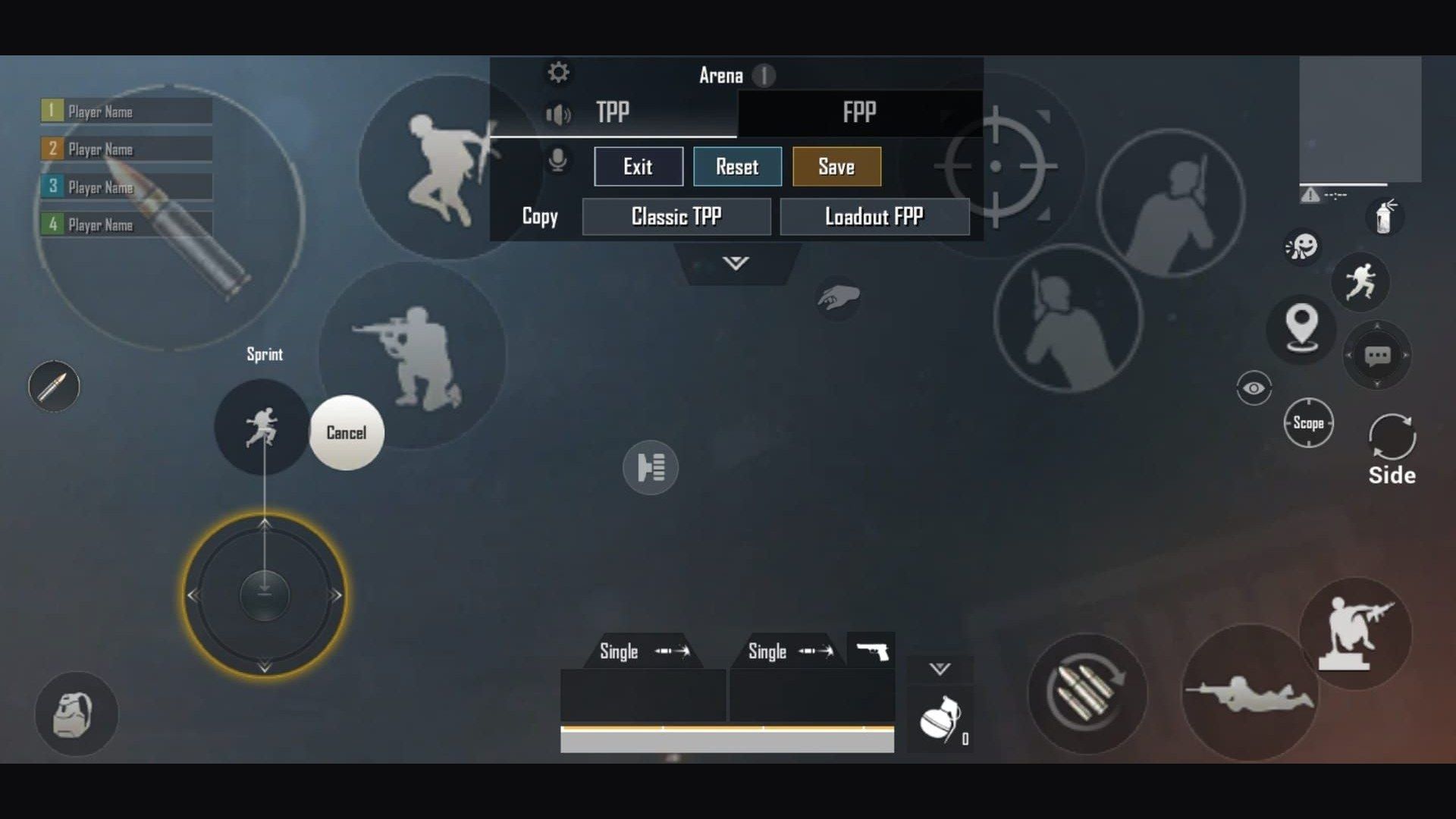
4-finger HUD7275-1794-4178-8556-303 plus the universal sensitivity code is the usual pair. Full finger placement is on the 4-finger claw + gyro guide. Thumb vs claw tradeoffs sit on claw vs thumb grip.
Gyro + touch in a fight
Thumbs take the 180° turn. Gyro takes the micro-adjust and the first-mag pull-down.
Range | What you use |
|---|---|
0–50 m | Gyro-heavy. Always on after week 1 |
50–150 m | Thumb acquire, gyro spray |
150 m+ | Thumb primary, gyro only to hold the first shot |
Assault rifles want the gyro column. Bolt-actions want the thumb column and a low 8x. 4-finger claw parks fire on an index finger so both thumbs stay on move and look. See the claw + gyro settings if you play two-thumb.
Need UC for the A20 Royale Pass or a cleaner 3x / 6x? Top up PUBG Mobile UC with Player ID only. How to top up PUBG UC walks through the ID step.
Common gyroscope issues
Symptom | Fix |
|---|---|
Drift on a sofa or bed | Calibrate on a hard table for 10 seconds |
Aim that worked in Training Ground fails in ranked | Lock FPS. Check ping. Heat throttle fakes a bad code |
Sight climbs the 25 m dummy | +5% ADS or ADS gyro |
Sight overshoots the dummy | −5% on that scope only |
Motion sickness | 15–20 minute sessions. Stay at 90+ FPS. Drop gyro 20–50% for a week |
Code imports, gyro does nothing | Gyroscope is still Off. Set Activate the scope or Always on |
FAQ
What are the best gyroscope sensitivity codes for PUBG Mobile 120Hz devices?
iPhone 13 Pro and newer:1-7478-5115-3389-3888-855. Android 90/120Hz:1-7462-2496-3022-3831-210. First import on any phone:1-7435-8846-3421-0303-0728. 120Hz uses the table as written. 60Hz cuts camera 10%. These are August 2026 / 4.5 starts.
How do I import and test a sensitivity code?
Settings → Sensitivity → Search Method. Paste the full string, Preview, backup, then Use Layout. Set gyro to Activate the scope or Always on. Test M416 Red Dot at 25 m and 50 m for 10–15 minutes per scope.
Why do iPhone and Android use different 120Hz codes?
Touch sampling and sensor fusion differ by SoC. iPhone ProMotion layouts sit 5–10% higher on camera / ADS. Android varies by maker. Samsung and OnePlus flagships take the Android 90/120Hz string. Budget Androids stay conservative. iPad / tablet: camera +10–20% after…854. Raise gyro only if a 180° tilt feels late.
Why does my gyroscope feel inconsistent?
Unstable FPS, battery savers, and heat cause most of it. Lock Smooth + your highest stable rate, turn off Low Power / Adaptive Battery for PUBG Mobile, and recalibrate on a table. A 40°C+ shell drops frames and the tilt lag follows.
How long does gyroscope take to learn, and do I need a second profile for AKM?
Scope-on feels usable in 3–7 days. Always on takes 2–3 weeks of 30–45 minute sessions. Muscle memory for 3x / 4x sprays takes 6–8 weeks. M416 / SCAR-L stay on the table. AKM / M762 want 5–10% lower ADS or a harder first-mag gyro pull. Exclusive Sensitivity (+Add) is the clean way to keep a 7.62 slot.
Conclusion
Import1-7478-5115-3389-3888-855 on iPhone 120Hz or1-7462-2496-3022-3831-210 on Android 90/120Hz, lock Smooth + Ultra Extreme, then prove Red Dot gyro on the 50 m M416 plate. Bookmark this page through the 9 September 4.6 drop. When you need UC for Pass or a sight skin, buy PUBG Mobile UC on BitTopup.