Best MLBB control settings (November 2026, Patch 2.2.16a): Settings → Controls → Targeting Method Advanced, Targeting Priority Lowest Effective HP for marksmen, assassins and mages (Closest Target for tanks and fighters), Hero Lock on, both Smart Targeting rows off in ranked, a Fixed joystick and Camera Sensitivity near 60%. Then size Cancel Cast and your role buttons in Custom UI.
Mobile Legends control settings (November 2026)
Updated on 2026-11-06: the live Original Server is Patch 2.2.16 (official notes, 16 September 2026) plus the 2.2.16a balance hotfix (14 October). 2.2.16 brought Lowest Effective HP (remaining HP plus your Penetration against the target’s Defense) to the live game; Karina, Karrie, Lesley and Thamuz keep the old Lowest HP rule. It also added medium and large button layouts to Custom UI.
Area | Setting | Ranked pick | Why |
|---|
Controls | Targeting Method | Advanced | Separate hero / minion / turret / creep buttons. Basic auto-picks the nearest unit |
Controls | Targeting Priority | Lowest Effective HP (marksman, assassin, burst mage). Closest Target (tank, melee fighter, roam) | Lowest Effective HP finishes the squishy. Closest keeps a melee kit on the body in your face |
Controls | Lowest HP Percent | Off unless you tested it | Picks the lowest bar, so a scratched tank beats a full-HP Layla |
Controls | Hero Lock Mode | On | Tap an enemy portrait. Basics and targeted skills stay on that hero |
Controls | Skill / Basic Attack Smart Targeting | Off while Hero Lock is on | Smart Targeting can steal the lock and put you on a minion. Junglers may turn Basic Attack Smart Targeting back on in the jungle only |
Controls | Basic Attack | Manual | You choose the last-hit and the dive target |
Controls | Aim Panning | On for Franco, Selena, Novaria, Khufra | Camera follows the skill line on hooks, arrows, and long shots. Novaria Skill 2 got a use-rate buff in 2.1.95 |
Controls | Assisted Aiming / Attack Assist | On until your hit rate holds without them | They nudge a missed line. Override with a drag when you want the wall or the flicker spot |
Controls | Joystick | Fixed. Movement joystick, not Tap to Move | Same thumb rest every fight. Dynamic relocates the stick and breaks the 180° |
Controls | Camera Sensitivity | Start at 60%. Assassin 60%+. Marksman 45–55%. Tank / roam 40–50% | This is the map-pan slider. Do not treat it as a “joystick 60%” value |
Graphics | Camera Height | High | Wider lane and bush read on Annual Map layouts |
Graphics | Screen Shake / Outline | Off | Shake steals your aim line |
Interface | Battlefield UI Opacity | Low (0–20%) | More map, less chrome |
Interface | Damage Numbers | On if FPS stays flat. Off on old phones | Read burst windows. Cut them if the frame time spikes in 5v5 |
Interface | Minimap | 120–125% size | Turtle, Lord, and missing lanes stay readable |
Custom UI | Cancel Cast | On, 110%, thumb reach | Stops an ult on a creep or a half-cast Flicker |
Custom UI | Active items (Wind of Nature, Winter Truncheon) | 130% size, ~65% transparency | You hit the item, not the shop |
Custom UI | Item Shop | 110%, away from the joystick | A shop tap in a clash buys the wrong component |
Progression | Auto Skill Level-Up / Auto Buy | Off | You pick the level-2 spike and the anti-heal timing |
Copy the ranked row first. Then open Practice and run 10 minutes of last-hits plus one 5v5 bot clash before you queue. Map-specific camera notes sit on the Project NEXT controls page.
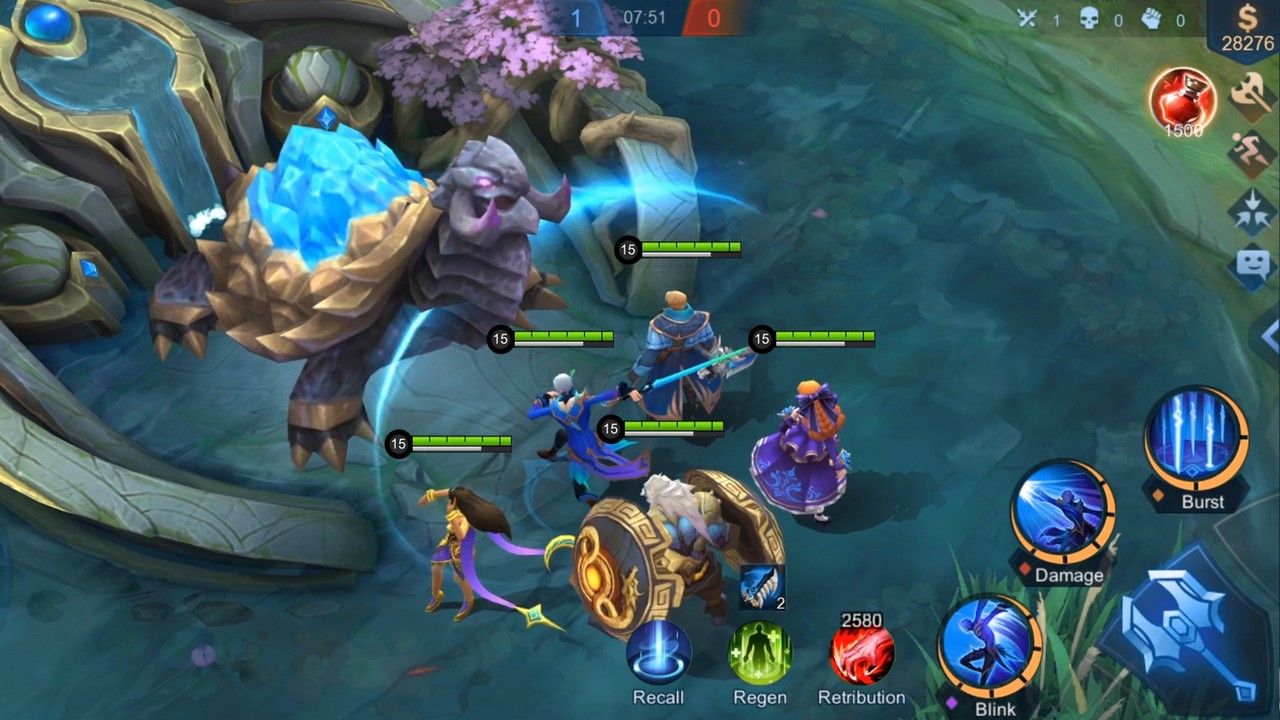
How to set Advanced Targeting and Hero Lock
Path: lobby → Settings → Controls.
Set Targeting Method to Advanced. You get extra buttons for turret, minion, and jungle creep. Use them when a hero stands on the wave or under the tower.
Set Targeting Priority by role. Marksman, assassin, and burst mage: Lowest Effective HP. Tank, EXP fighter, and roam: Closest Target. Leave Lowest HP Percent off until you test it in Classic. An 80% Tigreal can steal the lock from a 100% Miya.
Turn Hero Lock Mode on. In a clash, tap the enemy carry portrait next to your skills. Basics and unit-targeted skills follow that hero until you tap another portrait or the target dies.
Turn Skill Smart Targeting and Basic Attack Smart Targeting off. Keep them off for ranked teamfights. If you jungle, you may enable Basic Attack Smart Targeting only while you clear camps, then disable it again before you gank.
Set Basic Attack to Manual.
Save. Open Practice. Stand in a wave with a dummy hero and confirm you can last-hit the caster without swapping onto the dummy.
Hero Lock overrides Targeting Priority once you tap a portrait. That is why Smart Targeting fights it. Mages use the same pair (Advanced + Hero Lock). The client has no “Selective Targeting” toggle. Older write-ups invented that name.
Patch 2.2.16 made “Lowest Effective HP” the live label, so a tank with full HP and high Defense is no longer picked over a squishy carry with the same HP bar. Closest Target and Lowest HP Percent did not change. If your Controls page still shows “Lowest HP”, update the game.
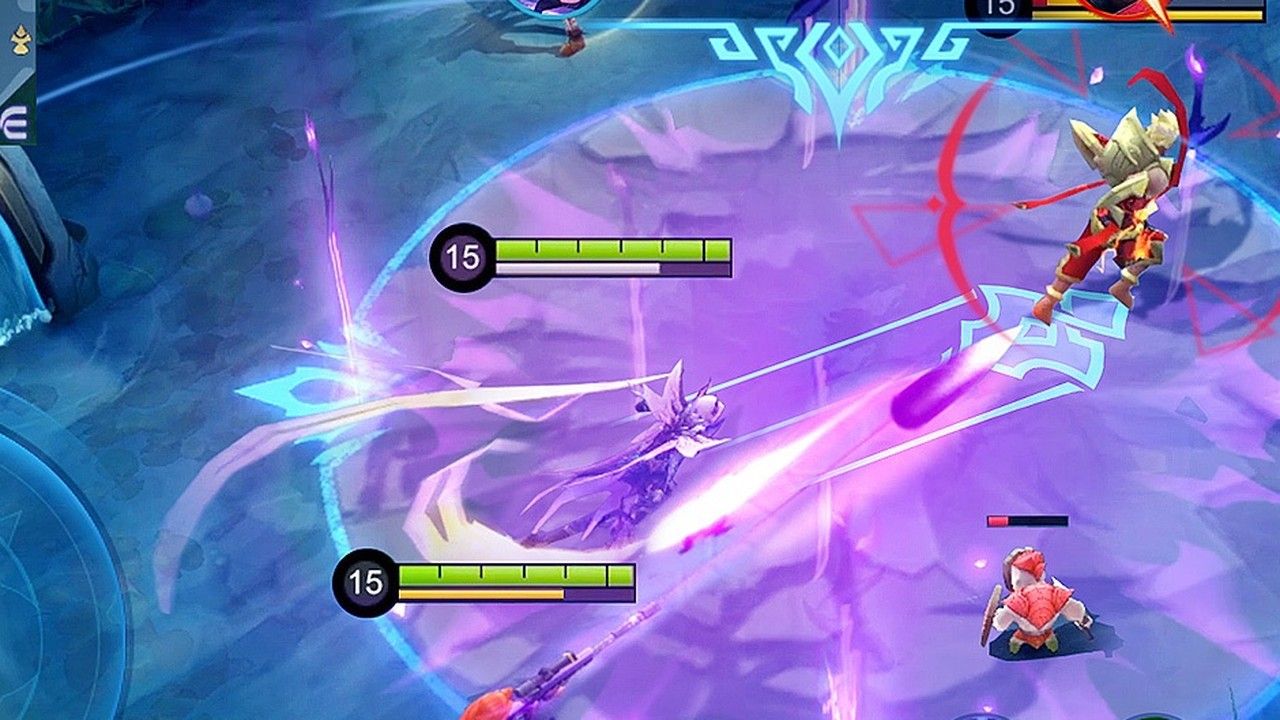
Video: Elgin explains the targeting change behind “Lowest Effective HP” (recorded on the Advance Server in June 2026; the change went live in Patch 2.2.16).
How to adjust or fix controls in MLBB (step by step)
Open the lobby and tap Settings (gear icon, top right).
Tap Controls. Targeting Method, Targeting Priority, Hero Lock, Smart Targeting and Aim Panning live here.
Tap Custom UI to move or resize the joystick and buttons. Since Patch 2.1.88 you can also edit Custom UI during a match, and since 2.2.16 you can start from the medium or large button layouts.
Save the layout, then open Practice and test last-hits and one skill shot before you queue ranked.
Controls feel wrong after an update? Re-open Controls and Custom UI, confirm Targeting Method and Camera Sensitivity, then reload your saved layout or reset Custom UI to default and rebuild it.
Joystick sensitivity: current builds do not show a separate “joystick sensitivity” slider. The slider that changes how fast the view moves is Camera Sensitivity; the joystick itself only has a position choice (Fixed or dynamic) and its size in Custom UI.
Joystick layout and camera sensitivity
Set the joystick to Fixed. Tap to Move belongs in Casual. Dynamic joystick follows your first tap, so the rest point moves and your 180° overshoots.
Open Settings → Controls → Custom UI. Drag the stick to where your left thumb lands at rest. Enlarge the stick area if you drop it during a clash. Small phones keep the stick near the left edge. Tablets can sit it a bit inward so the thumb does not span the glass.
Camera Sensitivity is the slider that pans the map. Start at 60%. Then run this Practice test:
Test | Pass |
|---|
180° turn, one swipe | You stop on the same wall mark |
Flicker + camera flick to a bush | The bush is on screen without a second swipe |
Kite a dummy for 8 basics | The stick does not walk you into the dummy |
Overshoot the wall: drop Camera 5%. Fall short: add 5%. Assassins (Gusion, Ling, Fanny, Hayabusa) live at 60%+ so a cable or wall jump keeps the camera. Marksmen (Miya, Brody, Wanwan, Obsidia) sit at 45–55% so kite steps stay even. Tanks hold 40–50% so an initiate does not spin the map.
If your build shows a separate joystick sensitivity or deadzone row, start above midpoint. Raise deadzone only when the hero walks while your thumb rests. Role camera ranges also sit in the misclick settings guide.
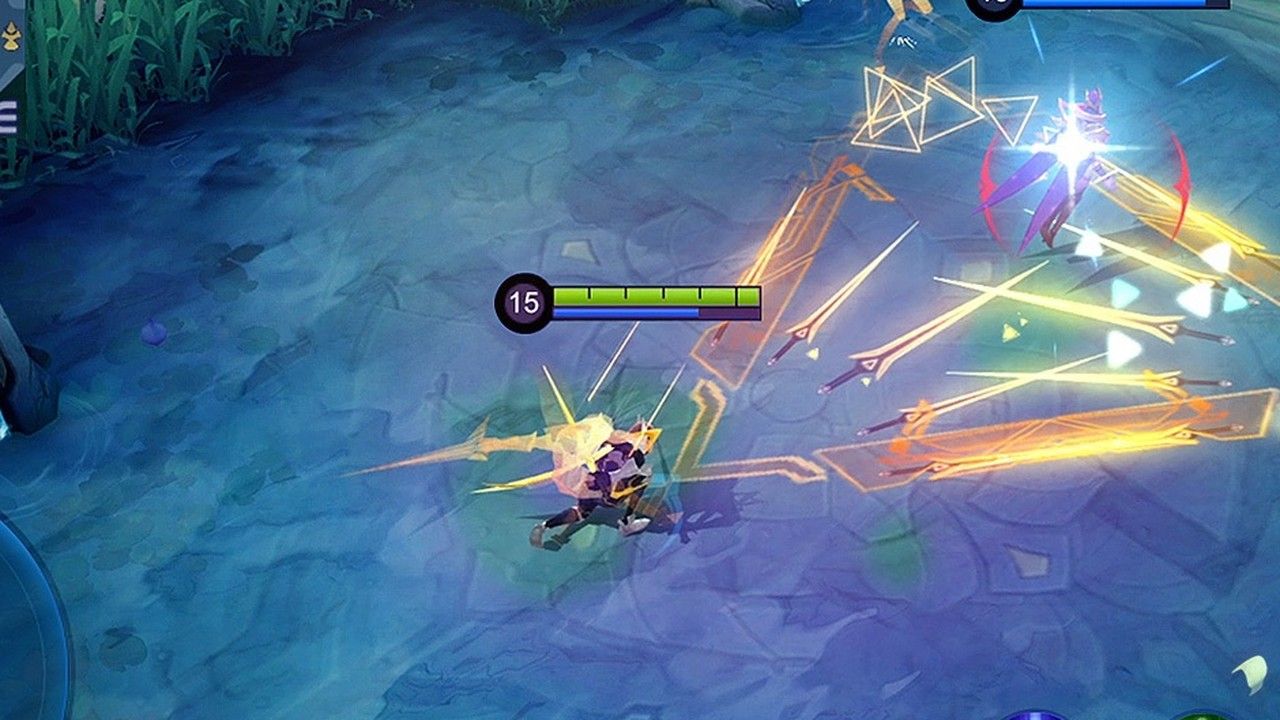
Aim assist and Aim Panning
Assisted Aiming pulls a near-miss skill line onto a hero. Attack Assist leads a basic onto the walk path. Leave both on while you learn the HUD or play a small phone. Turn them off one at a time after your Classic hit rate holds for a week. Drag the skill if you want the wall, the flicker pixel, or the minion you need for a reset.
Aim Panning shifts the camera along a long skill. Turn it on for Franco’s Iron Hook, Selena’s Abyssal Arrow, Novaria’s Skill 2, and Khufra’s bounce. Patch 2.1.95 made Novaria’s Skill 2 easier to land at average ranks. The high-end line still needs the extra view.
Skill Smart Targeting helps unit-targeted spells (locks, dashes to a hero). It also fights Hero Lock. Ranked default: Hero Lock on, both Smart Targeting rows off. Jungle clear is the exception for Basic Attack Smart Targeting.
Button customization
Path: Settings → Controls → Custom UI.
Turn on Cancel Cast and Skill Canceling with Sweep. Size Cancel Cast to 110% and park it where the right thumb can tap without hitting Ult.
Maximize the skill wheel so the three (or four) skill hits stay inside thumb reach.
Size by role, then save a named layout per role.
Size Wind of Nature and Winter Truncheon to 130% at about 65% transparency. Double-tap purchase stays on if you want faster shop buys. Move the shop off the joystick.
Move Chat and Ping off the skill cluster. Keep one ping in reach for Missing / Retreat.
Role | Enlarge | Space |
|---|
Assassin (Gusion, Ling, Fanny) | Skill 2, 110–120%, closer to the thumb | Cancel Cast next to Ult |
Marksman (Brody, Wanwan, Miya, Obsidia) | Basic Attack 120% | Skills off the attack button so a kite does not cast |
Mage | The long skill (Selena S2, Novaria S2, Gord S1) | Hero Lock portraits beside the skills |
Tank / Support | Active items and battle spell | Minimap 125%. Pings stay visible |
Four-skill (Zhask) | Extra skill from a three-skill preset | The UI does not auto-place the fourth button |
Tablet thumbs travel farther. Scale primary buttons to 135–150% and keep the same gaps. Small phones pull buttons to the edges.
Skill Settings (added in Patch 2.1.88): Skill Wheel Size enlarges the drag area of each skill, and Cast Slip Protection stops a skill from firing when your thumb slides off the button. Under Lock-on Targeting, Avatar Quick Cast lets you drag a directional skill onto an enemy portrait.
Beginner setup vs ranked setup
Start on Advanced Targeting. Basic Targeting is the 2016 default and it last-hits the wrong unit in a wave. You can keep assists on for the first 20 Classic games.
Toggle | First week | Ranked |
|---|
Targeting Method | Advanced | Advanced |
Hero Lock | On after you can tap a portrait under pressure | On |
Smart Targeting | Skill Smart Targeting on if unit skills miss | Off with Hero Lock |
Assisted Aiming / Attack Assist | On | Off when your hit rate holds |
Camera | Smart Follow, High, 50–60% | High, role camera from the table |
Button size | Skills 125%, items 130% | Trim toward 110–120% after a week |
Joystick | Fixed | Fixed |
Auto Level / Auto Buy | Off | Off |
Change one row a day. A new HUD every queue resets the thumb.
Device and graphics that change the same HUD
iOS touch latency stays even, so you can sit Camera 5% higher than the same layout on Android. Android varies by OEM. Samsung, OnePlus, and Xiaomi implement the digitizer differently. Test 180° turns after you install a Game Mode or a 90 / 120 Hz toggle.
Lock a stable frame rate before you chase sensitivity. High FPS Mode on if the phone holds it. HD Mode, Shadow, and Screen Shake off on mid and low chips. Lower Battlefield UI Opacity. Turn Damage Numbers off only when the 5v5 frame time breaks. Simplified hero models help old devices.
Heat after two ranked games changes the same 60% camera. Close background apps. Play off the charger in a clash if the phone thermal-throttles.
Role-based control settings
Pick the hero, then load that role’s Custom UI preset. Ranked drafts on the MLBB tier list still need the same targeting pair.
Role | Targeting Priority | Extra |
|---|
Marksman | Lowest Effective HP + Advanced + Manual basic | Basic Attack 120%. Aim Panning if the kit has a skill shot |
Assassin | Lowest Effective HP + Hero Lock | Skill 2 large. Cancel Cast for animation cancels |
Mage | Lowest Effective HP + Hero Lock | Aim Panning on line skills. No separate “Selective” row |
Fighter (melee) | Closest Target | You hit the body that is in range for spell vamp |
Tank / Support | Closest Target | Items and battle spell large. Minimap 125% |
Jungle | Same as the hero, plus Basic Attack Smart Targeting while farming | Retribution large. Turn Smart Targeting off before the gank |
Fighter example: an Alpha jungle or EXP build wants Closest Target in the pit and Hero Lock when you dive the gold lane.
Troubleshooting after a patch
Symptom | Fix |
|---|
Basics hit the wave in a 5v5 | Advanced Targeting + Manual basic + Hero Lock. Smart Targeting off |
Ult on a creep | Cancel Cast 110%. Sweep cancel on |
Camera feels late or sticky | Camera +5% or −5%. Screen Shake off. Auto Skill Level-Up off |
Input delay | Close background apps. Stable Wi-Fi or data. High FPS Mode if the chip holds it |
Layout missing after an update | Open Controls and Custom UI. Confirm Targeting Method and Camera. Paste from your screenshot |
The client syncs a layout to the account. Patches still overwrite rows. Screenshot Controls, Graphics, and Custom UI after you lock a preset. Write the Camera percent and the Targeting Priority on the shot.
A 5v5 on the tower needs Hero Lock. Lowest Effective HP alone will take the tank who walked up, or the turret if you left Advanced off.
How to practice the same settings
Practice: 10 minutes of last-hits with Advanced Targeting, then 20 skill shots with Aim Panning on Franco or Selena.
Classic: one role, one HUD, 10 games. Do not swap presets mid-session.
Ranked: load the role preset in the pick screen. Recheck Hero Lock and Smart Targeting after every client update.
Unlock the hero you will main before you grind the HUD. How to top up MLBB Diamonds is User ID + Zone ID from Avatar → Basic Info. Pack math sits on the Diamonds recharge guide. Skins and leftover tickets: Rare Skin Fragments farm.
FAQ
What is the best joystick sensitivity for Mobile Legends?
There is no separate joystick sensitivity slider in the current client. The ranked value is Camera Sensitivity: start at 60%, test a 180° in Practice, then move 5% at a time. A Fixed joystick position matters more than the extra 5%.
Should I turn on aim assist in Mobile Legends?
Turn Assisted Aiming and Attack Assist on for the first weeks or on a small screen. After your Classic hit rate holds, disable them one at a time. Keep Aim Panning on for hooks and long lines.
How do I customize the Mobile Legends button layout?
Settings → Controls → Custom UI. Drag and resize. Skills 110–120% inside thumb reach. Cancel Cast 110%. Shop off the joystick. Save one preset per role.
What control settings do pro players use?
Advanced Targeting, Manual basic, Hero Lock on, both Smart Targeting rows off in clashes, auto level and auto buy off, Camera Height High, UI opacity low, Camera at or above 50% (most sit near 60% and then role-tune). They keep the joystick Fixed.
How can I reduce misclicks during team fights?
Advanced Targeting + Manual basic + Hero Lock. Smart Targeting off. Cancel Cast at 110%. Enlarge Basic Attack on marksmen and Skill 2 on assassins so the thumb has a bigger landing pad.
What is the difference between fixed and dynamic joystick?
Fixed keeps the stick on one pixel so the 180° is the same swipe. Dynamic spawns the stick under your first tap. Use Fixed for ranked.
What is Attack Activation Distance in MLBB?
It decides how far away an enemy can be before tapping Basic Attack starts chasing them. The options are usually labelled Fixed Position, Close Range and Distant Range (wording differs by language). Marksmen and mages usually prefer Close Range so a tap does not walk them into a fight; tanks and fighters can use Distant Range.
Conclusion
On Patch 2.2.16a, set Advanced Targeting, Lowest Effective HP or Closest Target by role, Hero Lock, a Fixed joystick and Camera near 60%, then size Cancel Cast and your role buttons in Custom UI. We re-check this page after each Original Server patch. Need a hero to practise the layout on? Top up MLBB Diamonds on BitTopup with User ID and Zone ID.