Why Crossplay in Delta Force 2025 Feels Like a Game-Changer
Ever wonder if you can finally squad up with your buddies no matter their rig? Short answer: yeah, mostly.
Full Cross-Platform Play—Does It Deliver?
From day one on August 19, 2025, PS5, Xbox Series X|S, and PC are fully crossplay-enabled. PC players? You're always tossed into the console mix—no opt-out. Consoles start with it off for those pure console queues, but flip it on and you're in the wild with everyone.
Mobile's its own beast on iOS/Android—separate pools.
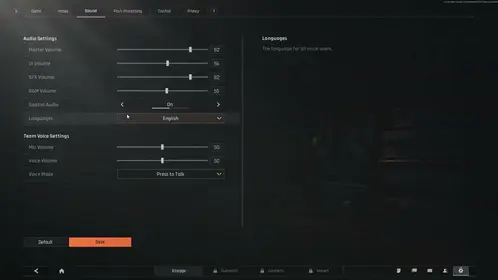
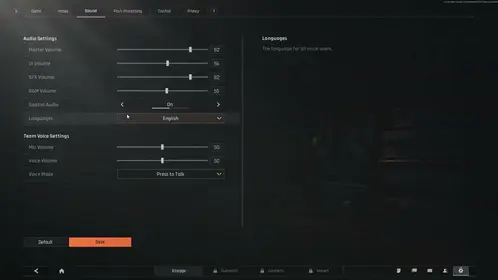
Toggling on consoles is dead simple from the Black Site lobby (hit left D-pad + X/A). Or dive into Settings > Game > Crossplay. Warfare and Operations modes play nice; Black Hawk Down invites from PC to PS5? They flop.
Here's the quick drill:
- Jump into Black Site lobby.
- Options/Menu button.
- Game tab—toggle Crossplay with X/A.
(Pro tip from the edit desk: Warfare queues fill faster crossplay-on. Worth the mouse+controller chaos?)
Cross-Progression: What's Actually Carrying Over?
LIPASS is your sync wizard—operators at 100%, skins like MP5 White, PP19 Top Edge, AK12 Zero Degree, Spray Paint - Successful Acquisition. Battle Pass, rewards, tactical unlocks, even wallet balance (150 Garena vouchers included).
What doesn't? Banned Garena accounts, unlinked console goodies, or Level 1 stragglers. Skip linking on your first console boot? Progress locks tight. Link post-Aug 19, though, and snag 5 operators in a week.
Delta Force in game credits top up for cross platform BitTopup: <5 min delivery, 20% below market, encrypted security, 24/7 support 4.9/5.
First Things First: Nail Your Level Infinite Account (LIPASS)
No LIPASS, no party—it's mandatory. Whip one up in-game, via launcher, or Discord. Verify email/UID, then bind PSN, Xbox, Apple, Google, FB, Steam, or Epic.
Console newbies post-Aug 19? Link on first boot or bust. Garena migration (April 4–June 30, 2025 UTC+0) grabs pre-Mar 31 accounts at Warfare/Operations level >10 (no bans). Bonus: 150 vouchers + K416/M4A1 Competition skins.
Steps to get rolling:
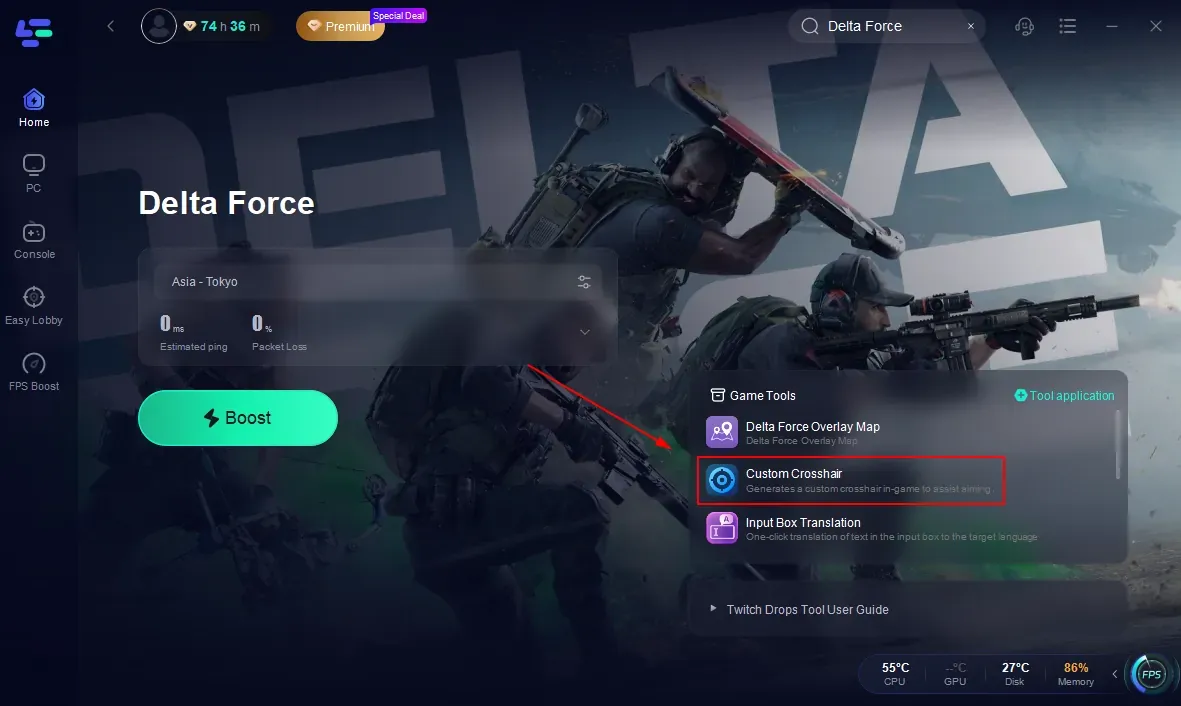
- Fire up game or launcher.
- Create or sign into LIPASS.
- Verify email/UID, bind your platform.
- Peek at operators/skins on your secondary setup.
One-and-done per link. Cooldowns reset Thursdays at 12:00 AM UTC+0.
Linking on PC (Steam & Epic)—Steam Deck Dreams Included
PC crossplay? Always on, baby. LIPASS in the launcher syncs mobile too (barring Steam-Garena migrate quirks). Battle Pass, operators, skins—all 100%.
Steam/Epic flow:
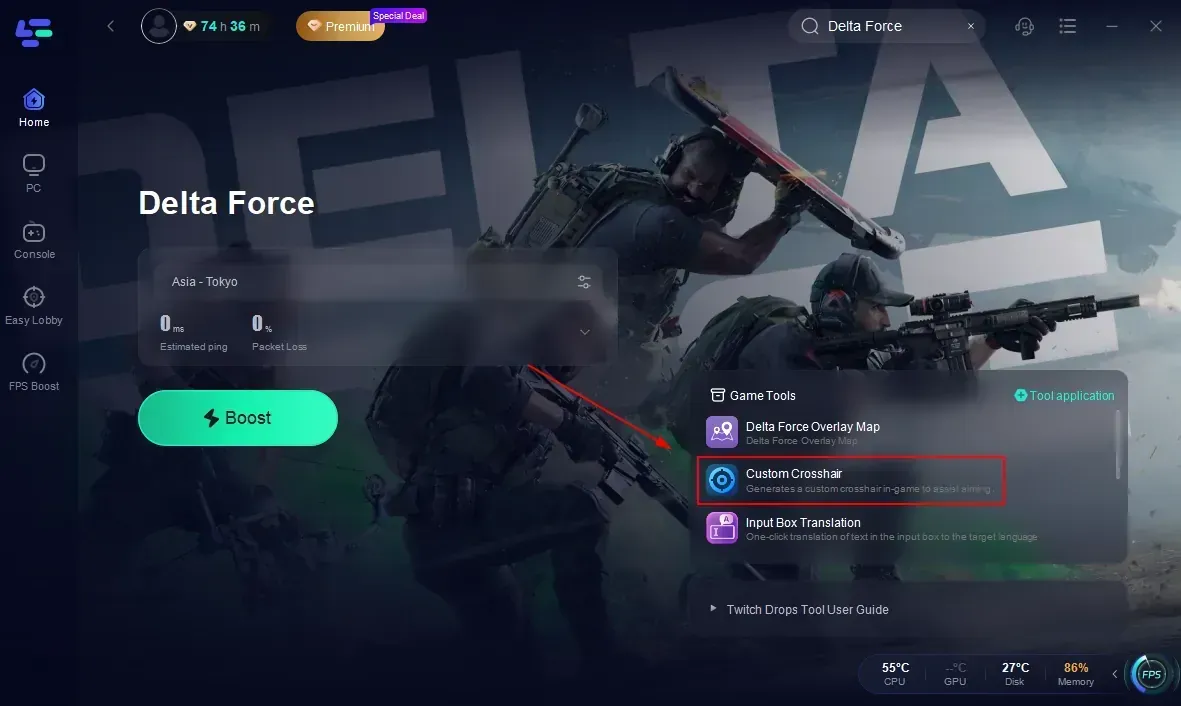
- Launcher open.
- LIPASS login.
- Punch in UID/email, bind Steam/Epic.
- Double-check mobile's PP19 Top Edge.
Friends? Search usernames cross-platform.
Console Linking: PS5 & Xbox Series X|S Edition
Launch day (Aug 19) hits you with the LIPASS prompt via PSN/Xbox Live—skip it, and you're hosed. Link up for those 5 operators in 7 days; pre-linked gets AK12 Zero Degree free. Xbox clocks in at 97.84GB.
PS5 rundown:
- Launch the game.
- Create/sign LIPASS with PSN.
- Email/UID verify.
- Scope PC/mobile Battle Pass sync.
Xbox mirrors it with your Gamertag. Unlink? Support ticket required.
Sync Checklist: What Transfers, What Stays Behind
Post-link, eyeball it: operators, skins, Battle Pass should mirror perfectly.
What syncs solid: Operators (100%); skins like MP5 White, PP19 Top Edge, AK12 Zero Degree, Spray Paint - Successful Acquisition, K416/M4A1 Competition; Battle Pass, loot, rewards, tactical unlocks, wallet.
What doesn't: Banned Garena stuff; unlinked console items; post-migration platform-locks.
Migration sweetens it: 150 vouchers + rares.
buy Delta Force coins online for cosmetic unlocks BitTopup: 99.9% success, instant credit, broad payments, top-rated service.
Tweaking Crossplay & Matchmaking Like a Pro
Consoles get the toggle: Settings > Game > Crossplay (off for console-only vibes). PC? Stuck on.
From Black Site:
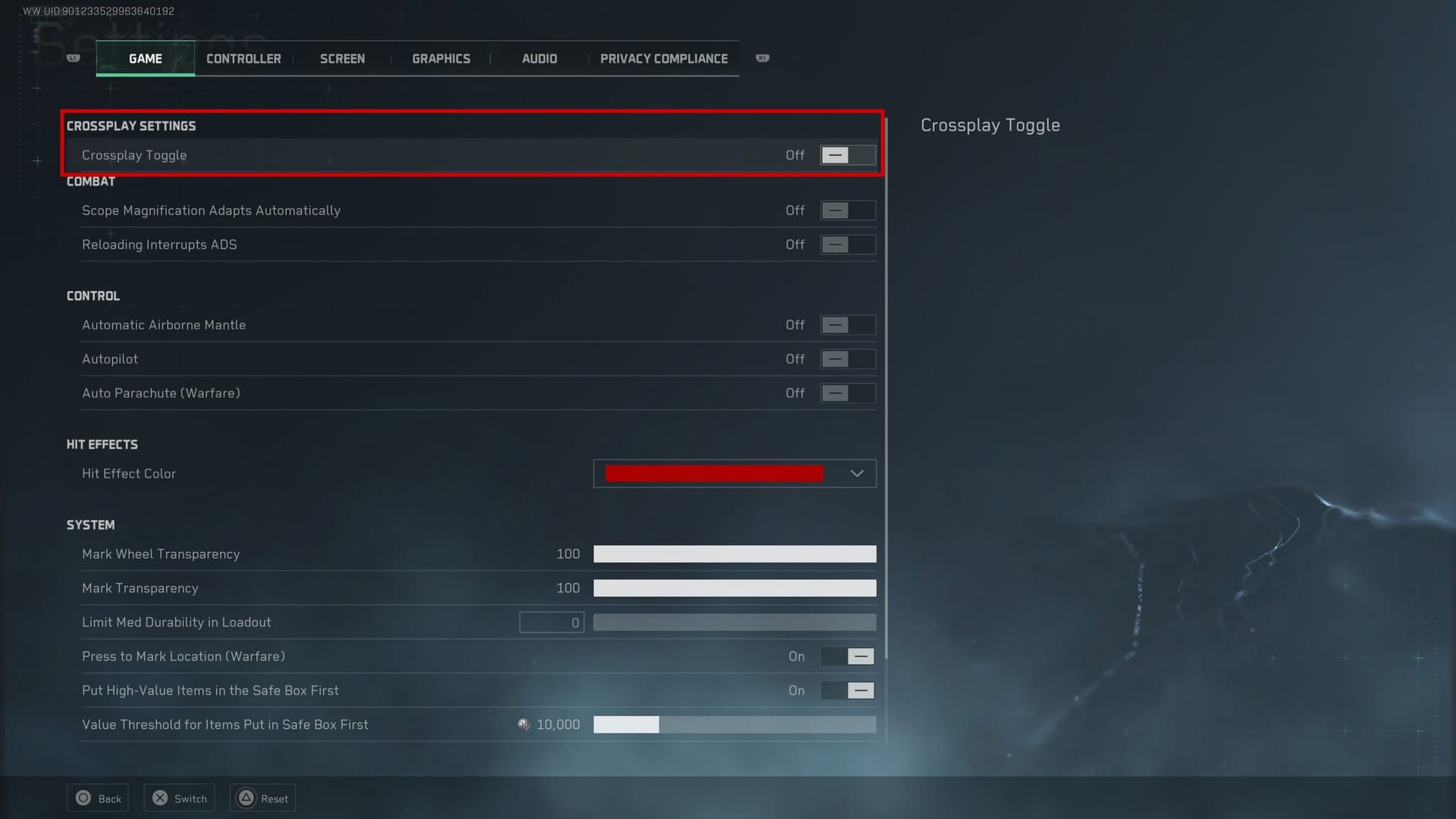
- Options/Menu.
- Game tab—toggle.
- Queue Warfare. Mixed lobbies? Check.
60 FPS all around—ditch V-sync. Invites rock in Warfare/Operations; Black Hawk Down still glitches cross-invite.
Squad Up Cross-Platform: Friends List Hacks
LIPASS + crossplay on? Usernames work everywhere—PC to PS5, Xbox, mobile.
Do this:
- Crossplay enabled.
- Friends menu > search username.
- Invite to lobby/team.
Warfare shows 'em clear.
Fixing Linking Hiccups—I've Seen 'Em All
Stuck at Level 1? Unlinked. Deletions trigger 30-day cooldown (no logins anywhere); relink adds another 30. Garena hates VPNs.
Unbind ritual:
- Support ticket for deletion.
- Nuke installs across platforms.
- Ghost for 30 days—no peeking.
- Reinstall, fresh LIPASS link.
Steer clear of migration during Thursdays-to-Wednesdays. (Edit note: Patience is key here—rushing blows up more accounts than it saves.)
FAQ: Real Talk on Delta Force Crossplay Headaches
PC-to-Mobile cross-progression a thing?
Yep—LIPASS via Apple/Google/FB. Battle Pass and skins sync smooth.
PS5 + Xbox squads?
Post-Aug 19, toggle Settings > Game > Crossplay. Done.
Steam link steps?
Launcher > LIPASS > bind Steam. Test with mobile skins.
Crossplay off switch?
Consoles: Black Site > Settings > Game (off). PC: Nah.
Progress not syncing? Why?
Level 1 unlinked. Deletion cooldown (30 days), then relink. Hit support.
LIPASS breakdown?
Level Infinite Pass—unifies your grind. Console first-launches demand it.