



Overview of iTunes Gift Card (SA) Recharge and Eligible Services
An iTunes Gift Card (SA) is a prepaid digital voucher dedicated to Apple Accounts configured to the Saudi Arabia region. When redeemed, the card adds funds directly to your Apple Account balance in Saudi Riyals (SAR). This balance allows you to pay for digital media, cloud storage, mobile games, and app subscriptions across all Apple devices without needing a local credit card linked to your profile.
Using a prepaid digital voucher provides complete control over your spending. Parents can manage digital allowances for family members, while gamers and mobile app users can fund in-app purchases directly. Because transactions pull directly from your SAR credit pool, you avoid foreign exchange conversion fees and international transaction surcharges on the Saudi App Store.
Important Region Compatibility: Saudi Arabia Apple ID Verification
Apple enforces strict regional boundaries on all gift cards and account balances. An iTunes Gift Card issued for Saudi Arabia (SAR) can only be redeemed on an Apple ID registered in Saudi Arabia. It will not work on accounts registered in the United States, United Arab Emirates, United Kingdom, or any other country.
Before purchasing or attempting to redeem your digital code, verify your Apple Account region:
- Open the App Store on your iPhone or iPad.
- Tap your Profile icon in the top right corner of the screen.
- Tap your name and Apple ID email address at the top of the account menu.
- Select Country/Region to view your active storefront setting.
- Confirm that the store region lists Saudi Arabia.
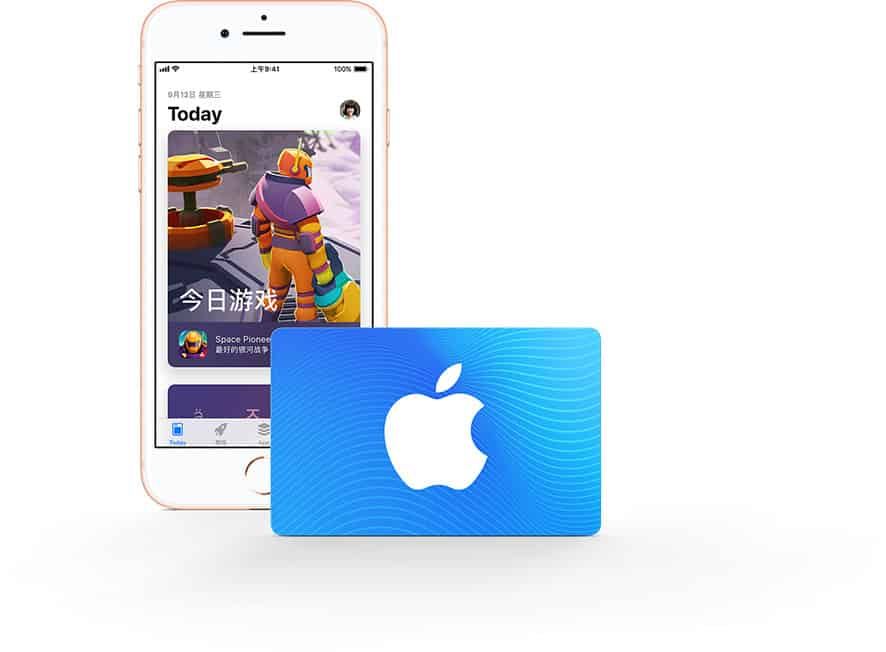
If your Apple Account is set to a different country, you must switch your region to Saudi Arabia or create a secondary Apple ID dedicated to the Saudi App Store before redeeming this card. Note that switching store regions requires spending any remaining account balance and canceling active subscriptions first.
Step-by-Step Guide: How to Recharge Your Apple Account with a Digital SA Code
Once you receive your 16-digit alphanumeric digital code from BitTopup, follow these device-specific instructions to complete your recharge.
How to Redeem on iPhone, iPad, or iPod Touch
- Launch the App Store app.
- Tap your Profile icon in the upper-right corner.
- Tap Redeem Gift Card or Code.
- Choose Enter Code Manually.
- Type or paste the 16-digit code received in your BitTopup order details.
- Tap Redeem in the top right corner. The SAR credit will immediately update your Apple Account balance.
How to Redeem on Mac (macOS)
- Open the App Store on your Mac.
- Click your name or the Sign In button in the lower-left sidebar.
- Click Redeem Gift Card in the top right of the account window.
- Enter your 16-digit iTunes SA code.
- Click Redeem to confirm the balance addition.
How to Redeem on Windows PC
- Open Apple Music or iTunes for Windows.
- From the top menu bar, select Account > Redeem.
- Sign in with your Saudi Apple ID if prompted.
- Enter your digital redemption code and click Redeem.
What You Can Purchase with Saudi iTunes Credit
Redeeming a Saudi Apple voucher provides full access to digital products and services across the Saudi Arabian Apple ecosystem. Your SAR balance can be used across multiple categories:
| Category | Eligible Purchases (Saudi Arabia Region) | Payment Currency |
|---|---|---|
| Gaming & Mobile Apps | Paid App Store downloads, in-game currencies (PUBG UC, Roblox Robux, Genshin Crystals) | SAR (Saudi Riyal) |
| Cloud Storage | iCloud+ monthly storage subscriptions (50 GB, 200 GB, 2 TB, 6 TB, 12 TB) | SAR (Saudi Riyal) |
| Digital Streaming | Apple Music individual/family plans, Apple TV+ subscriptions, Apple Arcade | SAR (Saudi Riyal) |
| Digital Media | Movie rentals and purchases via the Apple TV app, Apple Books purchases | SAR (Saudi Riyal) |
In-App Purchases and Gaming
When playing games downloaded from the Saudi App Store, in-app purchases automatically deduct funds from your Apple Account balance first. If your purchase total is equal to or less than your available SAR balance, no secondary payment method is charged.
Recurring Subscriptions and iCloud+
You can maintain ongoing subscriptions like iCloud+ or Apple Music using prepaid balance. Apple automatically deducts the monthly fee from your SAR balance on the renewal date as long as sufficient funds remain in your account.
Troubleshooting Common Apple Gift Card Redemption Errors in 2026
If you run into an issue while redeeming your code, refer to the following solutions for standard Apple App Store error prompts:
- "This code is not valid in your country/region": This error indicates that your Apple ID is not set to Saudi Arabia. Verify your account region in App Store account settings. You cannot redeem a SAR card on a US, UK, or other foreign Apple ID.
- "This code has already been redeemed": Sign out of the App Store and sign back in to force a refresh of your cached balance. If the balance remains unchanged, review your purchase history to see if the funds were credited to another family member under your Apple Family Sharing group.
- "Code is invalid": Double-check for typographical mistakes. Common misreads include the letter 'O' versus the number '0', the letter 'I' versus the number '1', or the letter 'B' versus the number '8'. We recommend copying and pasting the exact digital string from your BitTopup order dashboard directly into the redemption field.
- "Card has not been properly activated": Contact BitTopup customer support with your order ID so our team can review the code state with the provider immediately.
Safe and Secure Checkout: Why Recharge iTunes Gift Cards via BitTopup
Recharging your Saudi Apple Account through BitTopup offers a reliable, secure alternative to linking personal bank cards to online storefronts:
- Zero Account Risk: BitTopup delivers digital redemption codes directly to your screen and email. We never ask for your Apple ID password, verification codes, or login credentials.
- Fast Digital Delivery: Your 16-digit voucher code is generated directly in your order center upon successful payment completion, allowing you to top up your balance without delays.
- Live Competitive Pricing: Clear pricing is displayed at live checkout, ensuring transparency before you confirm your order.
- Dedicated 24/7 Support: Our customer service team is available around the clock to assist you with order tracking, code delivery, and redemption queries.
Frequently Asked Questions
Can I use a Saudi Arabia (SA) iTunes gift card on an Apple ID registered in another country?
No. Apple gift cards are strictly region-locked. A Saudi Arabia (SA) card functions exclusively on Apple Accounts set to the Saudi Arabia storefront in SAR currency. It cannot be redeemed on US, UK, UAE, or other international accounts.
How do I recharge my Apple Account balance with an iTunes Gift Card (SA)?
Open the App Store on your iOS device, tap your profile icon at the top right, select "Redeem Gift Card or Code", choose "Enter Code Manually", input your 16-digit digital code from BitTopup, and tap "Redeem".
Do Saudi Apple iTunes gift cards have an expiration date?
No. Apple iTunes digital codes do not expire. Once purchased, you can redeem the code whenever you choose. After redemption, the SAR funds stay in your Apple Account balance until completely spent.
Can I convert an iTunes gift card to cash or transfer the balance to another account?
No. Once a gift card is redeemed to an Apple ID, the SAR balance is permanently tied to that specific account. It cannot be transferred to another Apple Account, refunded, or exchanged for physical cash.
What can I buy with an Apple Gift Card (SA) balance?
You can purchase iOS and iPadOS apps, in-app currency and items, paid game downloads, iCloud+ monthly storage plans, Apple Music, Apple TV+, Apple Arcade subscriptions, and digital movies on the Saudi Apple storefront.
What should I do if my iTunes Gift Card code shows as invalid or already redeemed?
First, verify that your Apple ID region is set to Saudi Arabia. Copy and paste the code directly to avoid mistyped characters. If the balance does not update after signing out and back in to the App Store, contact BitTopup 24/7 customer support with your order number for verification.