



Buy iTunes Gift Card with USDT and Crypto – Hong Kong, Taiwan, Japan and More
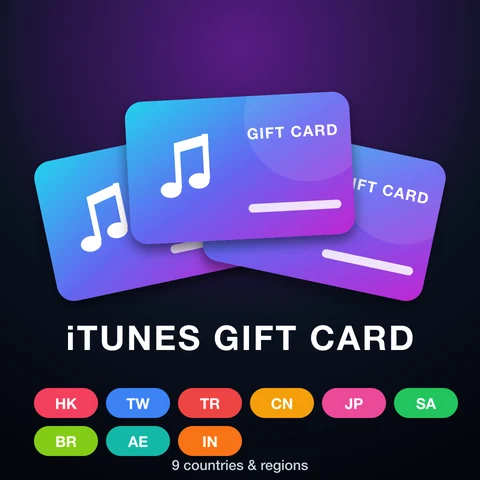
BitTopup sells digital iTunes Gift Card codes (App Store & iTunes gift cards) for 9 countries and regions on one page: Hong Kong, Taiwan, Turkey, China mainland, Japan, Saudi Arabia, Brazil, the United Arab Emirates and India. Choose the tab that matches the country or region of your Apple Account, pick a value, pay, and the code is shown on your order page. Payment is by cryptocurrency: you can buy an iTunes gift card with USDT or other coins through Binance Pay or Gate Pay. This is a gift card code, not a direct top-up, so you never share your Apple Account password.
Key facts
- Product: digital App Store & iTunes gift card code, delivered by BitTopup on your order page.
- Payment: cryptocurrency only, through Binance Pay or Gate Pay (USDT and other coins supported by those wallets). Card payments, PayPal and most e-wallets are not available for this product. Crypto orders are charged in US dollars.
- What you get: the value is added to your Apple Account balance, which you can use for Apple Account purchases such as apps, games and subscriptions.
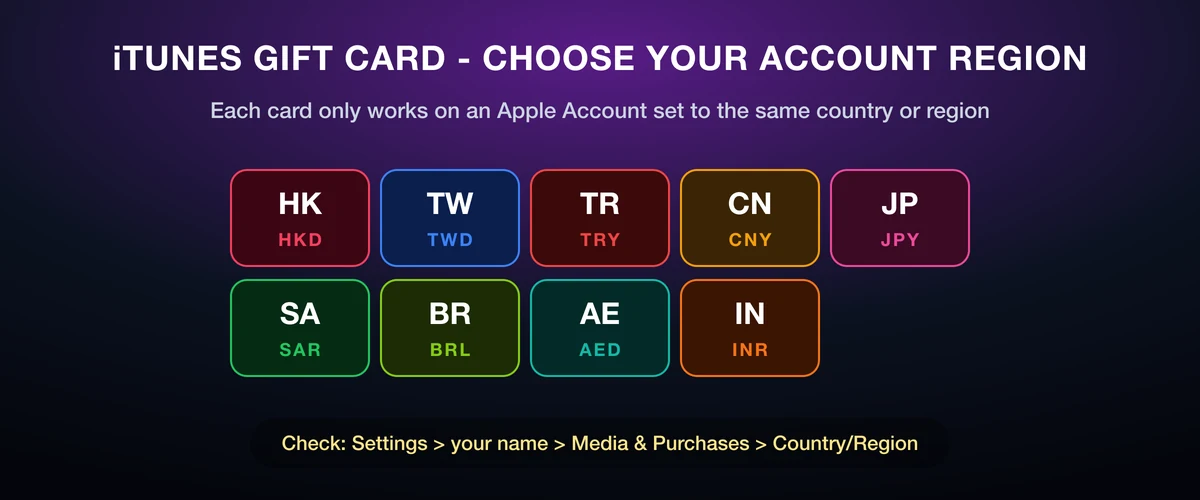
- Region rule: according to Apple Support, App Store & iTunes Gift Cards can't be redeemed outside the country or region where they were purchased. A Hong Kong card works only on a Hong Kong Apple Account, a Japanese card only on a Japanese account.
- Where to redeem: App Store on iPhone, iPad or Mac (Redeem Code), the Apple Music or Apple TV app on Windows, or apple.com/redeem.
- Name change: in the US, UK, Canada, Australia and much of Europe Apple now sells the Apple Gift Card instead of iTunes cards. For those countries, see our Apple Gift Card page.
iTunes Gift Card Countries, Currencies and Values
| Country / region | Currency | Values on BitTopup |
|---|---|---|
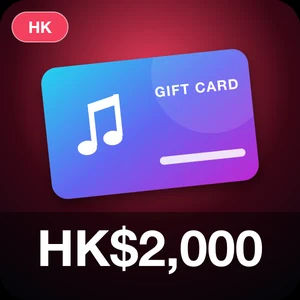
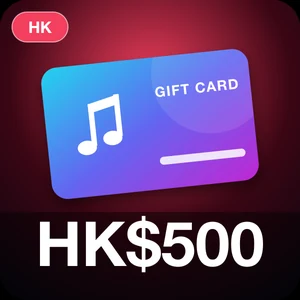
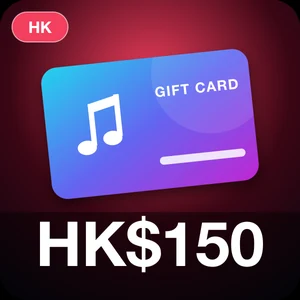
| Hong Kong | HKD | HK$150, HK$200, HK$500, HK$1,000, HK$2,000 (stock changes often) |
| Taiwan | TWD | NT$300, NT$500, NT$1,000, NT$2,000, NT$4,000, NT$6,000 |
| Turkey | TRY | 50 TRY, 100 TRY, 200 TRY, 300 TRY, 500 TRY, 1,000 TRY, 1,500 TRY |
| China mainland | CNY | 30 CNY, 50 CNY, 100 CNY, 200 CNY, 1,000 CNY |
| Japan | JPY | ¥500, ¥1,000, ¥2,000, ¥3,000, ¥5,000, ¥10,000, ¥30,000, ¥50,000 |
| Saudi Arabia | SAR | 50 SAR, 100 SAR, 500 SAR |
| Brazil | BRL | R$20, R$30, R$40, R$50, R$75, R$100, R$150, R$200 |
| United Arab Emirates | AED | 50 AED, 100 AED, 200 AED, 300 AED, 500 AED, 1,000 AED, 2,000 AED, 2,500 AED |
| India | INR | 100 INR, 200 INR, 250 INR, 500 INR, 1,000 INR, 1,500 INR, 2,000 INR, 2,500 INR, 3,000 INR, 5,000 INR, 7,500 INR, 10,000 INR |
Prices at checkout are always the latest. Which values are in stock can change from day to day.
How to Buy an ITunes gift card with USDT (Binance Pay or Gate Pay)
- Choose the tab for your Apple Account's country or region and pick a value.
- Click Buy Now and choose Binance Pay or Gate Pay as the payment method. The amount is shown in US dollars.
- Complete the payment on the Binance Pay or Gate Pay page with USDT or another coin from your wallet.
- Once the payment is confirmed, the gift card code appears on your BitTopup order page.
Binance Pay and Gate Pay are not offered to visitors from Russia and Belarus, so these gift cards can't be paid for from those countries.
How to Redeem an iTunes Gift Card
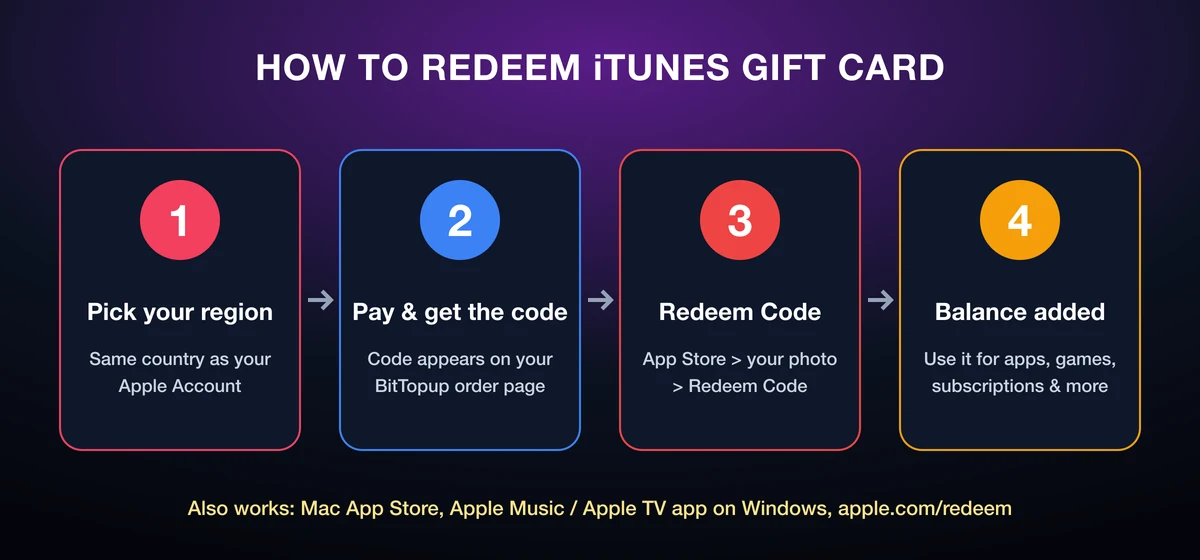
- After payment, open your BitTopup order and copy the code.
- On iPhone or iPad, open the App Store and tap your photo, initials or the My Account button at the top. Sign in if asked.
- Tap Redeem Code, then tap Use Camera or Enter Code Manually and type the code.
- Tap Redeem. The value is added to your Apple Account balance.
Other ways to redeem: on a Mac, open the App Store, click your name in the sidebar and click Redeem Code; on a Windows PC, open the Apple Music or Apple TV app, click your name at the bottom of the sidebar and click Redeem; or sign in at apple.com/redeem in a browser.
Which iTunes Gift Card Should I Choose?
Choose the card for the country or region your Apple Account is set to, not the country you are in right now. A Hong Kong account needs a Hong Kong card, a Taiwan account needs a Taiwan card and a China mainland account needs a China mainland card.
To see which country or region your Apple Account uses on iPhone, open Settings, tap your name, then tap Media & Purchases; the Country/Region entry shows your store. Buy the card for that country. Apple says that before you change your account's country or region you must spend your remaining Apple Account balance, so switching regions just to use a card is rarely practical.
iTunes Gift Card FAQ
Can I buy an iTunes gift card with USDT?
Yes. Choose Binance Pay or Gate Pay at checkout and pay with USDT or another coin your wallet supports. The order is priced in US dollars.
Can I pay with a bank card or PayPal?
No. This product accepts cryptocurrency through Binance Pay and Gate Pay. Signed-in customers paying in US dollars can also use their BitTopup balance.
Can I use a Hong Kong iTunes card on a Taiwan or US Apple Account?
No. App Store & iTunes Gift Cards can only be redeemed on an Apple Account in the country or region the card was issued for. Choose the tab that matches your account.
What does "Code must be redeemed in a different country or region" mean?
Apple shows this message when the card's country doesn't match your Apple Account's country or region. The code stays unused; it can only be redeemed on an account set to the card's country.
Is an iTunes Gift Card the same as an Apple Gift Card?
Both add money to your Apple Account balance and are redeemed the same way with Redeem Code. The difference is the country: buy the card that matches your Apple Account.
Do I need to give BitTopup my Apple Account password?
No. You receive a code and redeem it yourself, so BitTopup never needs your login details.
Can I change my Apple Account region to use a card from another country?
Apple requires you to spend your remaining balance, and to cancel subscriptions that block the change, before you can change your country or region. It is usually easier to buy the card that matches your current account.
The code shows an error. What should I do?
Check that the card's country matches your Apple Account, and check look-alike characters such as B and 8 or O and 0 if you typed the code. If it still fails, contact BitTopup support with your order number.