



CHATI Top Up: Get In-App Coins for Voice Rooms & Games
CHATI is an interactive audio entertainment and social voice chat application. It allows users around the world to create multi-guest voice rooms, host live discussions, sing karaoke, play community mini-games, and exchange virtual gifts.
Note: CHATI in this context refers specifically to the mobile social voice chat application, distinct from unrelated enterprise virtual event platforms or business communication software.
To participate in premium room events, support your favorite room hosts, and unlock exclusive room animations, your account requires CHATI in-app coins. A CHATI top up through BitTopup delivers currency directly to your account using only your numerical Player ID. You maintain full control of your account credentials while securing coins for all your in-app activities.
How to Find Your CHATI Player ID
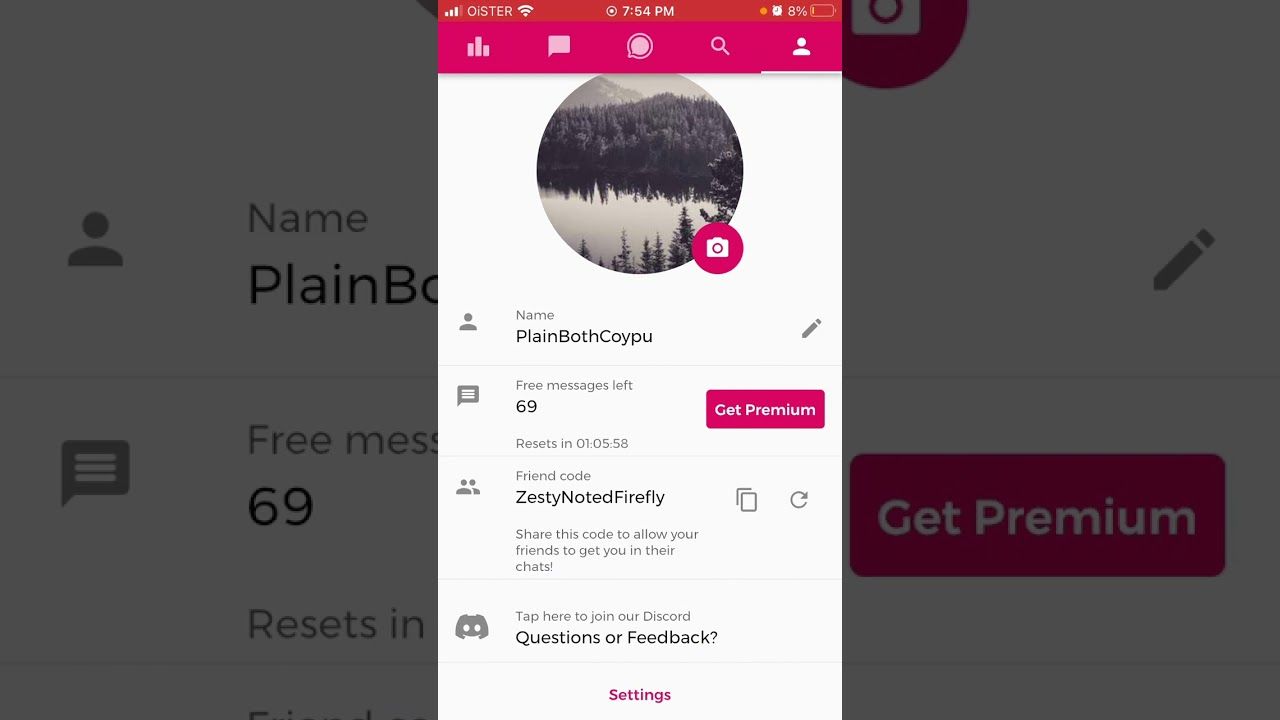
To ensure your coins arrive at the correct account, you must provide your exact CHATI Player ID. Follow these steps within the mobile app:
- Open the CHATI app on your Android or iOS device.
- Log in to your personal account.
- Tap the Profile (or Me) icon located in the bottom-right corner of the main screen.
- Locate your numerical Player ID (or UID) directly below your profile nickname and avatar.
- Tap the copy icon next to the number, or write down the exact sequence of digits.
Double-check the copied digits before purchasing to prevent delivery delays or sending coins to another profile.
Step-by-Step Guide to CHATI Recharge on BitTopup
Recharging your CHATI coin balance on BitTopup takes only a few moments. Follow this simple process:
- Select Currency Denomination: Choose the coin package that suits your in-app needs from the options available on the product page.
- Enter Account Details: Type or paste your numerical Player ID into the designated input field.
- Confirm Selection: Review your entered ID and chosen coin amount to ensure accuracy.
- Proceed to Checkout: Click the purchase button and select your preferred payment option on our secure checkout gateway.
- Receive Coins: Once your payment is confirmed, the system processes your order and sends coins straight to your CHATI app wallet.
CHATI Recharge Specifications
| Detail | Information |
|---|---|
| Application | CHATI (Social Voice Chat & Entertainment) |
| Delivery Method | Direct Player ID Account Credit |
| Required Information | Player ID (UID) only |
| Password Required | No (Never share your password) |
| Supported Region | Global |
| Pricing & Packs | Live rates displayed at current checkout |
CHATI In-App Currency Uses: Gifts, Rooms, and Games
CHATI coins power the entire interactive ecosystem inside the app. Once your top up is credited, you can use your balance for several core activities:
- Animated Virtual Gifts: Send standard, premium, or full-screen animated gifts to broadcasters and room hosts to show appreciation and climb room leaderboards.
- Interactive Voice Room Effects: Customize your entrance effects, purchase exclusive microphone rings, and activate special room banner announcements.
- Karaoke and Party Rooms: Request special tracks, join spotlight stages, and access premium sound modifiers during live group karaoke sessions.
- Social Mini-Games: Participate in casual in-room games alongside other community members using your coin balance.
- VIP Badges and Aristocracy Tiers: Unlock special status badges that appear next to your username in voice rooms and global chat lists.
Safe and Secure ID-Only Top Up Without Account Passwords
Account safety is a top priority when purchasing digital currencies. BitTopup utilizes direct API deposit systems that only require your public numerical Player ID.
- Zero Password Requirements: You never need to share your account login, third-party social credentials, or passwords.
- No Account Sharing: The recharge process operates entirely externally, meaning your personal conversations, contact lists, and profile settings remain completely private.
- Verified Order Processing: Every transaction is tracked with an individual order number, providing a clear proof-of-purchase record for every top up.
Accepted Payment Methods for CHATI Top Up
BitTopup supports a wide variety of domestic and international payment solutions to make recharging accessible for global users. When you proceed to the checkout screen, you can choose from major credit and debit cards, secure e-wallets, online bank transfers, and local payment methods available in your territory.
All payment channels operate through encrypted gateways to safeguard your financial details. Current product pricing, regional currency conversions, and available payment methods are updated in real time directly on the live checkout interface.
Troubleshooting CHATI Delivery and Account Issues
If you experience any delay in seeing your coins updated, follow these troubleshooting steps:
- Refresh the App: Close the CHATI app completely and reopen it. Check your in-app wallet balance under the profile section.
- Verify Transaction Status: Check your BitTopup account dashboard to confirm that your order status shows as completed.
- Check the Player ID Submitted: Review your receipt to make sure the Player ID provided matches your current profile number.
- Check Connection: Ensure your mobile device has an active and stable internet connection to sync balance data with CHATI servers.
If your balance does not appear after completing these steps, contact the 24/7 BitTopup customer support team with your order number and Player ID for prompt resolution.
Frequently Asked Questions
What is the CHATI app?
CHATI is a mobile social voice chat application designed for group audio discussions, live karaoke, social gaming, and virtual gifting across global chat rooms.
How do I find my CHATI Player ID?
Open the CHATI app, tap the Profile (or Me) tab in the bottom-right corner, and find the numerical ID displayed beneath your nickname. You can copy the digits directly by tapping the copy icon.
Do I need to provide my password for a CHATI recharge?
No. Recharging on BitTopup requires only your public numerical Player ID. You should never share your account password or login credentials with anyone.
How long does CHATI top up delivery take?
Orders on BitTopup process digitally as soon as your payment verification is complete. In most instances, coins credit directly to your CHATI account within a few moments.
Can I recharge CHATI for a friend using their Player ID?
Yes. You can top up an account for a friend by simply entering their numerical Player ID in the account field during checkout.
What should I do if my CHATI balance does not update after recharge?
First, restart the CHATI app and re-check your profile wallet. If the coins do not display, check your BitTopup order status and contact our 24/7 customer support team with your order ID for immediate assistance.