




Microsoft 365 KW Top Up: 2026 Digital Subscription Guide
Maintaining an active Microsoft 365 subscription in Kuwait gives you uninterrupted access to essential productivity tools, cloud storage, and integrated AI features. Managing your software license through prepaid digital codes avoids recurring foreign transaction fees and billing issues tied to international credit cards.
BitTopup delivers genuine, Kuwait-region Microsoft 365 product keys directly to your screen after checkout. You can renew an expiring plan, upgrade your tier, or activate a fresh account without sharing your login credentials or linking personal payment methods directly to Microsoft billing systems.
Microsoft 365 Kuwait Plans: Personal vs Family vs Premium (2026 Edition)
Choosing the right Microsoft 365 tier depends on how many users require access, total cloud storage demands, and your usage of generative AI tools like Microsoft Copilot. All Kuwait-region digital keys provide full access to core desktop and web apps, including Word, Excel, PowerPoint, Outlook, and OneNote.
| Plan Feature | Microsoft 365 Personal (KW) | Microsoft 365 Family (KW) | Microsoft 365 Premium / Pro (KW) |
|---|---|---|---|
| Target Users | 1 User (Up to 5 devices active) | Up to 6 Users (5 devices per user) | 1 Power User / Professional |
| Cloud Storage | 1 TB OneDrive Cloud Storage | Up to 6 TB (1 TB per person) | 1 TB to 2 TB Secured Cloud |
| Microsoft Copilot AI | Standard AI Assistance Quota | Standard AI Assistance Quota | Priority Copilot AI Processing |
| Security Tools | Microsoft Defender Basic | Microsoft Defender Family Safety | Advanced Endpoint Threat Protection |
| Subscription Length | 12 Months (Stackable) | 12 Months (Stackable) | 12 Months (Stackable) |
| Region Lock | Kuwait (KW) Accounts Only | Kuwait (KW) Accounts Only | Kuwait (KW) Accounts Only |
Note: Exact live pricing, current promotional offers, and pack availability are updated dynamically on the BitTopup checkout interface.
Kuwait Region Lock & Account Setting Verification
Microsoft product keys are strictly region-locked. A key issued for Kuwait (KW) requires your Microsoft account country and region setting to match Kuwait. Attempting to redeem a Kuwait key on an account registered to another region will return a region mismatch error (such as GeoRestricted or TokenGeoMismatchError).
To ensure smooth activation, verify your account region before purchasing or redeeming:
- Sign in to your Microsoft Account profile page at
account.microsoft.com/profile. - Check the Country or region field under your profile info.
- Ensure it is set to Kuwait.
- If your region is set elsewhere, update it to Kuwait or redeem the code on a dedicated Kuwait-based Microsoft account.
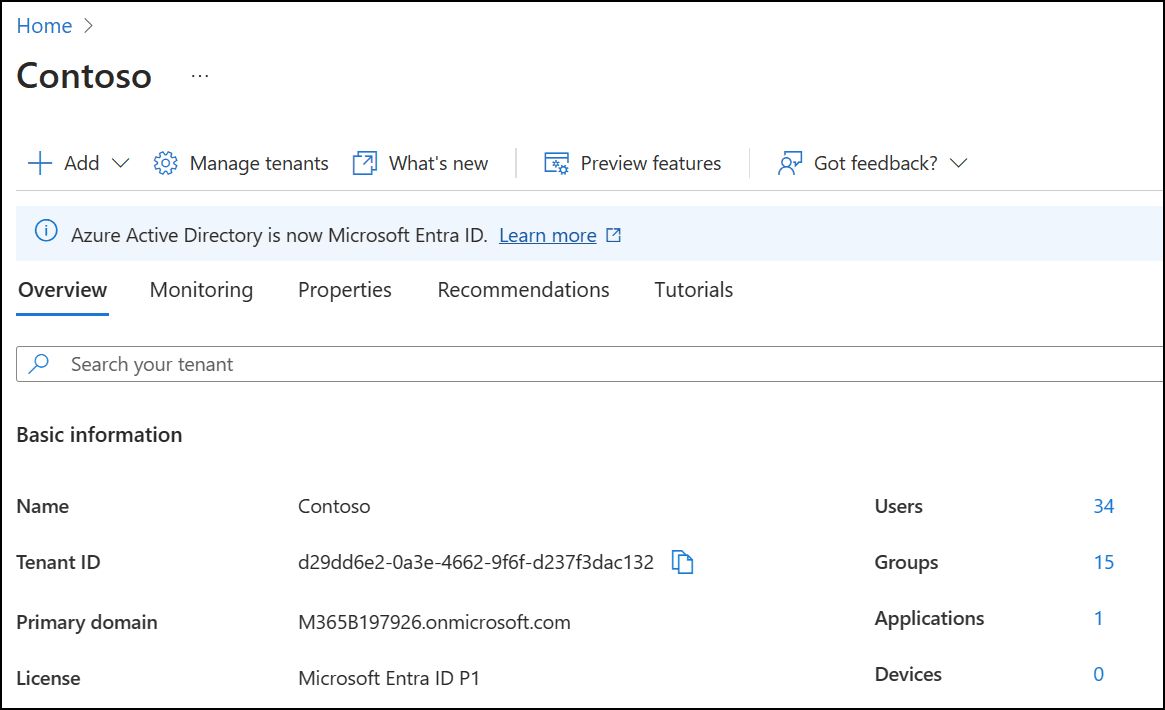
Using a region-verified key matching your Kuwait profile protects your account history and ensures OneDrive servers allocate optimal regional routing for file synchronization.
Step-by-Step Guide: How to Recharge and Redeem Microsoft 365 in Kuwait
Redeeming your 25-character digital code takes only a couple of minutes. You do not need to download third-party tools or expose your account password.
Step 1: Purchase Your Product Key on BitTopup
Select the Microsoft 365 Kuwait plan (Personal or Family) that fits your needs. Complete the checkout process. Your 25-character alphanumeric key will be generated and displayed instantly in your BitTopup order history and sent to your registered email.
Step 2: Open the Official Microsoft Setup Portal
Open your web browser and go to microsoft365.com/setup or setup.office.com.
Step 3: Sign In to Your Microsoft Account
Log in using the Microsoft account (Hotmail, Outlook, or linked custom email) you want to associate with the subscription. If you are renewing, sign in with your current active account.
Step 4: Enter the 25-Character Product Key
Type your 25-character code in the input boxes (formatted as XXXXX-XXXXX-XXXXX-XXXXX-XXXXX). The system automatically validates the product key and detects the Kuwait region.
Step 5: Confirm and Complete Activation
Select your preferred interface language, review the subscription duration, and click Next or Confirm. Microsoft will update your account balance immediately. You can now download the latest apps or access cloud storage without delay.
Subscription Stacking Rules: Extending Duration up to 5 Years
Microsoft allows users to extend their subscription timeline in advance through code stacking. Understanding the rules prevents failed redemptions:
- Maximum 5-Year Cap: You can stack identical Microsoft 365 subscription codes up to a maximum duration of 5 years (60 months) on a single account. If adding another 12-month key exceeds the 5-year limit, the system will block redemption until your remaining balance decreases.
- Matching Tiers: Stacking a Personal key onto an existing Personal plan adds 12 months to your expiration date without altering your settings. Stacking a Family key onto an active Family plan does the same.
- Tier Conversions: If you have an active Personal subscription and redeem a Microsoft 365 Family key, Microsoft automatically converts your remaining Personal time to Family time based on their current conversion ratio, upgrading all your benefits immediately.
- Auto-Renew Conflict: If you have recurring billing enabled with a credit card, you can still redeem a digital key. The key adds 365 days to your renewal date, pushing back your next card billing date accordingly.
Microsoft Copilot AI Features, Apps, and Cloud Storage Breakdown
Your 2026 Microsoft 365 subscription includes more than just classic office software. It integrates full cloud security and automated productivity systems across all your devices:
- Microsoft Copilot AI Integration: Draft emails in Outlook, summarize lengthy Word documents, generate slide layouts in PowerPoint, and analyze complex data trends in Excel using built-in natural language prompts.
- 1 TB to 6 TB Secure Cloud Storage: Every user receives 1 TB of dedicated OneDrive cloud storage with personal vault encryption, ransomware detection, and file restoration capabilities going back 30 days.
- Multi-Platform App Support: Install desktop versions on Windows 11/10 and macOS, alongside mobile versions on iOS, iPadOS, and Android. Each user can sign in to 5 devices simultaneously.
- Microsoft Defender Security: Comprehensive cross-device identity protection, malicious link screening, and continuous security notifications for your family or individual profile.
- Clipchamp Video Editor: Premium filters, audio tracks, and watermark-free 1080p and 4K video exporting tools for everyday video production.
Why Buy Your Microsoft 365 Key on BitTopup
Purchasing your software licenses through BitTopup offers distinct advantages over automated recurring payment models:
- Zero Account Sharing / 100% Security: You never share your account login, password, or security verification prompts. You receive an independent 25-character activation key to redeem directly on official Microsoft portals.
- No Surprise Recurring Charges: Direct subscriptions often lock you into automatic annual credit card renewals at higher default rates. Digital codes give you total control over when and how you renew.
- Kuwait Region Verified: Every key sold under the Microsoft 365 (KW) catalog is authentic and sourced for Kuwait accounts, eliminating currency conversion penalties and regional activation locks.
- Prompt Digital Delivery: Get your activation key immediately after payment confirmation so your workflows and cloud backups never face service interruption.
Troubleshooting Activation Issues and Avoiding Automatic Recurring Charges
If you experience friction while activating your product key, follow these proven troubleshooting steps:
Error: "This key is not valid for your region"
- Cause: Your Microsoft account country does not match the Kuwait (KW) region of the product key.
- Fix: Go to
account.microsoft.com/profile, click Edit profile info, change your region to Kuwait, save changes, and reloadmicrosoft365.com/setup.
Error: "This product key has already been used"
- Cause: The code was already redeemed during a previous browser session or assigned to a different logged-in account.
- Fix: Check your active licenses under
account.microsoft.com/services. If your expiration date has moved forward by 12 months, your activation was successful.
Bypassing Forced Credit Card Prompts During Setup
When redeeming your code, Microsoft might prompt you to toggle "Recurring Billing" with a credit card. To avoid unexpected card charges in future years, toggle Recurring Billing OFF during the final setup screen. Your 12-month prepaid period remains 100% active without needing an attached bank card.
Frequently Asked Questions
How do I recharge my Microsoft 365 subscription in Kuwait?
Purchase a genuine Microsoft 365 (KW) product key from BitTopup. Visit microsoft365.com/setup, sign in to your Microsoft account, enter your 25-character activation code, and confirm. Your subscription balance will extend immediately.
Can I stack multiple Microsoft 365 product keys to extend my plan?
Yes. Microsoft allows you to stack identical product keys up to a maximum total duration of 5 years (60 months). Each 12-month key adds 365 days directly to your existing expiration date.
Is this Microsoft 365 code restricted to Kuwait accounts?
Yes. These keys are region-locked to Kuwait. Your Microsoft account profile country setting must be set to Kuwait to successfully redeem the code on microsoft365.com/setup.
What is the difference between Microsoft 365 Personal, Family, and Premium?
Microsoft 365 Personal provides 1 TB of OneDrive storage and full app access for 1 individual across 5 active devices. Microsoft 365 Family allows up to 6 separate users, each receiving their own private 1 TB storage space (6 TB total) and independent app installations. Premium configurations offer advanced enterprise management tools and elevated Copilot AI processing priority.
Can I buy Microsoft 365 as a one-time lifetime purchase?
Microsoft 365 is strictly an annual or monthly subscription service that includes continuous app updates, cloud storage, and AI features. One-time standalone versions (like Office Home & Student) do not include OneDrive cloud storage, mobile app access, or Microsoft Copilot features.
How do I redeem my 25-character Microsoft 365 product key?
Go to microsoft365.com/setup or setup.office.com, log in with your personal or business Microsoft account, enter the 25-character alphanumeric code provided by BitTopup, select your language, and click confirm to complete activation.