Demystifying Ping Routes in HoK Global
Ping routes? They're just the packet travel time to servers. Hitting the closest ones—NA, Europe, SE Asia—slashes non-China latency from a brutal 250ms to a playable 120ms. Green under 50ms? That's your golden zone. Yellow 50-100ms means occasional stutters. Red 100ms+? Forget ranked.
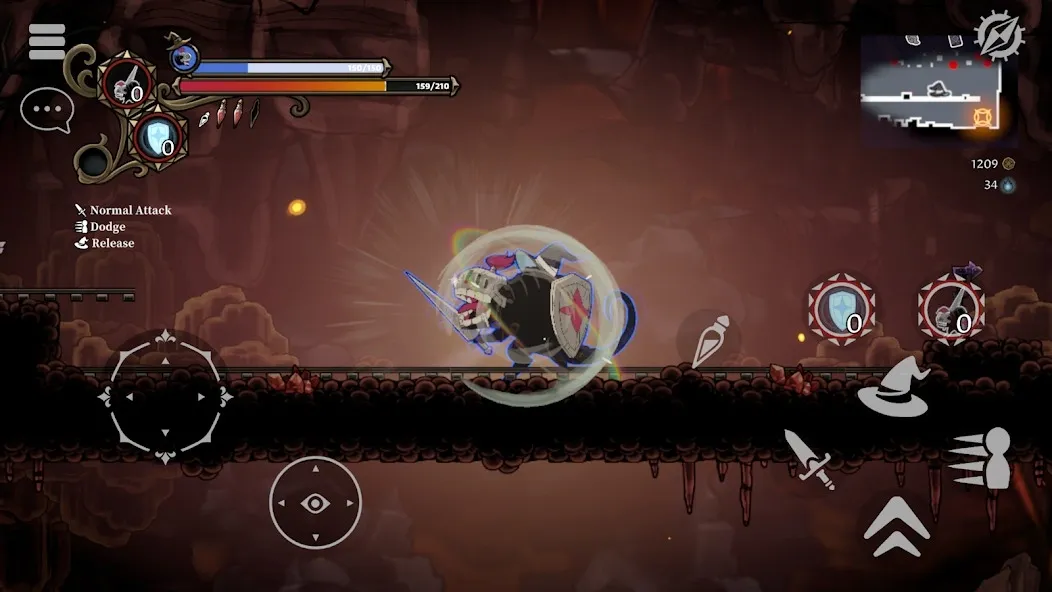
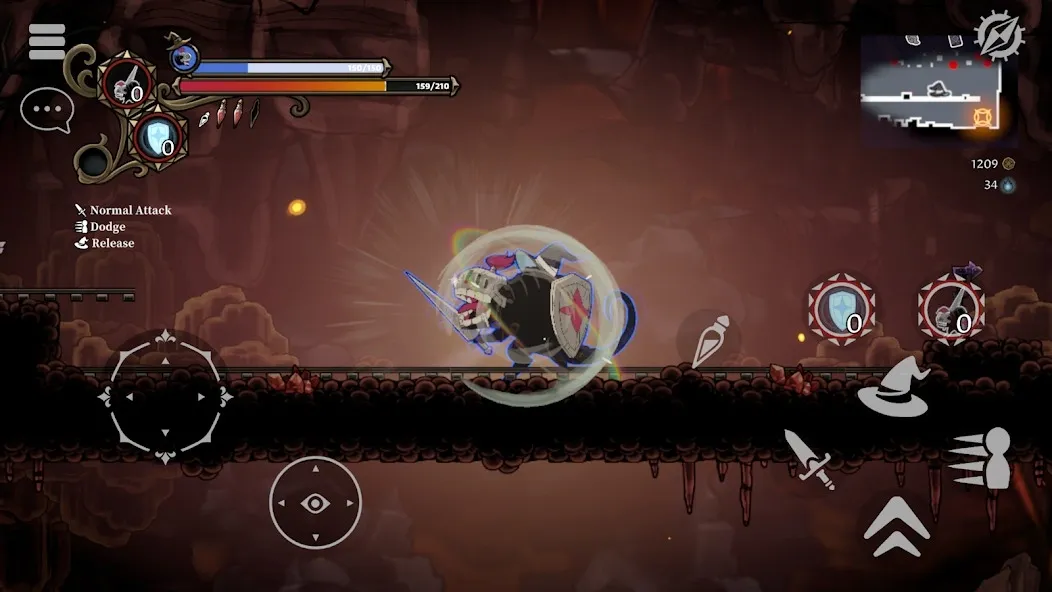
Quick check: Tap settings gear > flip on Display FPS/ping. Jump into practice mode—lane, fights, jungle—and verify you're under 50ms.
Ping Targets That Actually Matter for Ranked Grinds
Keep an eye on ping, packet loss, jitter. Green <50ms is non-negotiable for competitive play. Boosters can yank you from 200+ms to sub-50. HTTPDNS at 180.76.76.76? Drops USA pings from 250ms to 120ms (query time from 105ms to 31ms).

In matches, pull up diagnostics. Chase <50ms. Tweak if you're yellow or red. Benchmark in practice: laning, teamfights.
Fast Network Hacks and Cache Clears to Stabilize Everything
Ethernet's a beast—turns phone ping from 200ms to 30ms. Android folks, clear cache weekly: Settings > Apps > HoK > Storage > Clear cache/data. iOS? Settings > General > iPhone Storage > HoK > Offload App. In-game Network Optimization? Shaves off 30-50% latency.
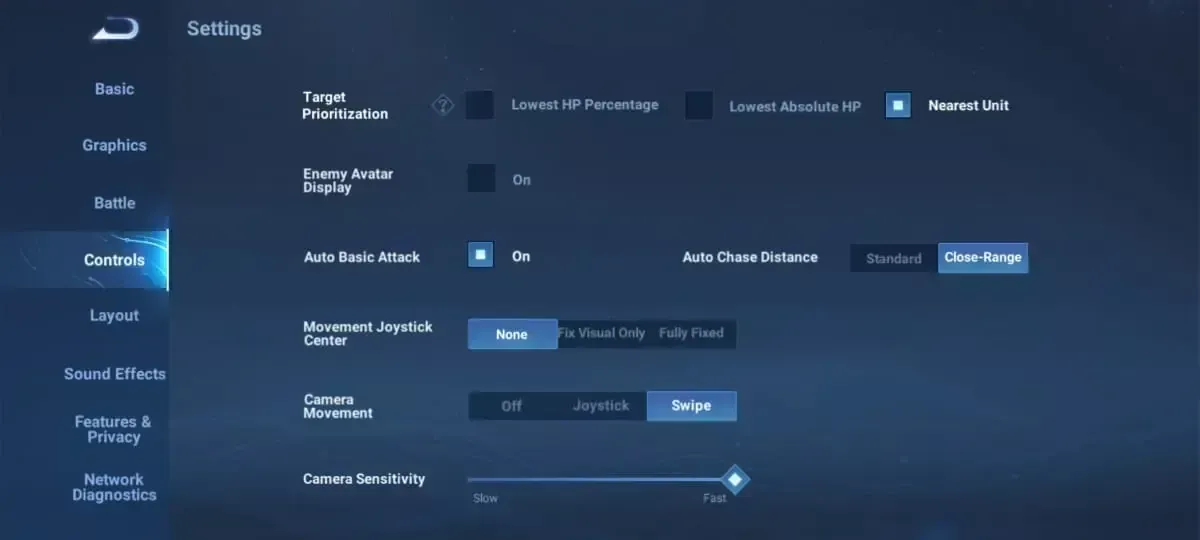
Steps to nail it:
- Kill background apps, auto-updates, voice chat.
- Lock FPS at 30, graphics to Medium/Low.
- Pit mobile data against WiFi.
Need tokens fast? Honor of Kings global tokens online top up via BitTopup—killer prices, instant delivery, secure and compliant, top-rated by users, wide support, solid after-sales.
Smart Server Picks and Easy Region Swaps
Pick your poison: NA/Europe (English vibes), Japan, Korea, SE Asia, Latin America. NA/Europe West for low ping; SE Asia East; Brazil/Turkey super accessible, no data sync headaches.
Android switch:
- Fresh Google account set to Brazil/Turkey.
- VPN to match.
- Grab it from Play Store.
iOS:
- Settings > [Your Name] > Media & Purchases > Country/Region > Brazil/Turkey.
- VPN fired up.
- Download away.
Then: Settings gear > server select > restart. Keep VPN on during play. Test with alt accounts—safety first.
VPNs and Accelerators: Your Low-Ping Lifelines
These route you straight to NA/Europe/SE Asia servers, killing loss and jitter. Emulators work great (but ToS risk—stick to alts).
Hook it up:
- VPN nodes in HoK regions.
- Enable for download and play.
- Confirm <50ms after connect.
Ever wonder why some pros swear by this? Routes matter more than raw speed.
DNS Tweaks and Router Magic for Extra Edge
Swap DNS to Cloudflare (1.1.1.1/1.0.0.1), Google (8.8.8.8/8.8.4.4), or 180.76.76.76—20-30ms gains easy. iOS: Wi-Fi settings > Configure DNS > Manual > add 'em > Renew Lease.
Router tweaks:
- QoS to prioritize gaming traffic.
- UPnP enabled.
- Firmware fresh.
Stick to 5GHz close by; Ethernet hits 30ms flat. (Pro tip: I've routed entire households this way—no more sibling lag wars.)
Prime Playtimes: Dodge the Crowds Like a Pro
7-9 PM peaks? Nightmare fuel. Mobile data's quieter. NA mornings are ghost towns.
Build your routine:
- Play outside 7-9 PM.
- Test data vs. WiFi.
- Watch those metrics.
Skin hunters, buy Honor of Kings recharge for skins on BitTopup: sharp pricing, quick credits, full support, top-notch after-sales, best user vibes and ratings.
Fixing Packet Loss, Jitter, and That Pesky Overheat
Packet loss? Check diagnostics, cables, router signal, VPN. Jitter spikes in fights. Over 40°C? Ping jumps; 120fps guzzles 30-50% battery.
Quick fixes:
- No power saving, full permissions.
- 30-45 min breaks; cooling adds 20-45 min playtime.
- Hotspot as backup.
Test loop:
- FPS/ping ON.
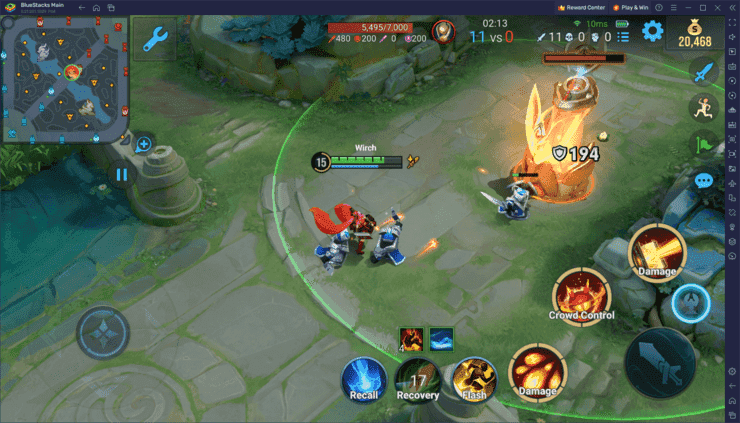
- Practice mode baseline.
- Monitor live matches.
- Tweak DNS/VPN/server.
Pro-Level Rigs for Rock-Solid Sessions
Ethernet: 200ms to 30ms. Router-wide QoS + DNS. Network Optimization always on. Weekly cache clears, firmware updates.
Your checklist:
- Ethernet adapter ready.
- QoS + DNS locked in.
- Off-peak + VPN = <50ms.
FAQ: Real Talk on HoK Global Ping Woes
Ideal ping for competitive HoK Global?
<50ms green. Yellow 50-100ms = hiccups. Red 100ms+? Unplayable.
Top servers for outsiders chasing low ping?
NA/Europe (English/West); SE Asia (East); Brazil/Turkey easy access—VPN to the nearest.
Beating peak-hour ping spikes?
Play off-peak, skip 7-9 PM. Mobile data's less jammed.
DNS actually cut HoK ping?
Yep, 20-30ms drops with Cloudflare/Google/180.76.76.76—set on router or iOS manual.
Android region swap steps?
New Brazil/Turkey Google account + VPN + Play Store download.
Packet loss fixes in HoK?
Diagnostics, QoS, VPN. Ditch power saving, go Ethernet.