Introduction to Apple Gift Cards for Gaming
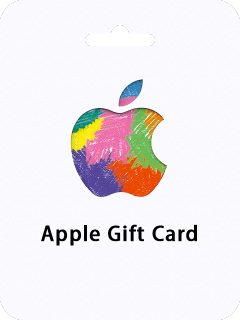
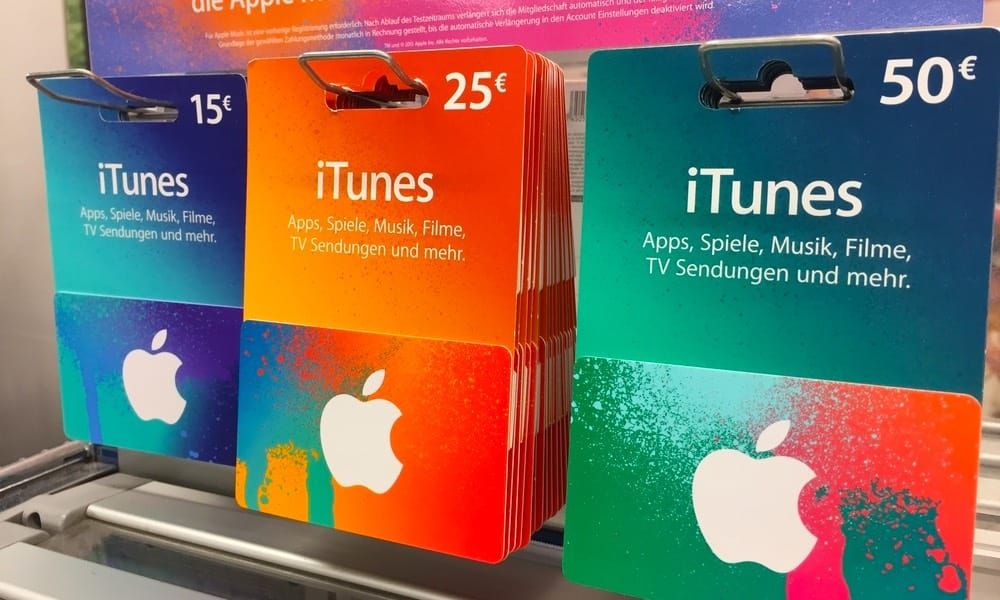
Ever stared at that unused iTunes balance wondering how to turn it into real in-game firepower? App Store/iTunes Gift Cards do just that—redeem the 16-digit code to your Apple ID, then dive into Robux for Roblox (think avatar gear, outfits, emotes, game passes) or Genshin's Genesis Crystals (160 Primogems per wish, 1,600 for a 10-pull, up to that 28,800 pity cap).
Key? Match your region right: Head to Settings > General > Language & Region; US cards demand a US Wallet setup. And yeah, your balance always deducts first. No sneaky fees.
Quick Steps:
- Stick to App Store/iTunes cards.
- US card? US Apple ID only.
- Redeem before jumping into the game.
Redeeming Your Apple Gift Card to iTunes Balance
Funds hit your account in 1-3 days—peek at Settings > [Your Name] > Payment & Shipping, or just open Wallet. Works across iPhone/iPad/Apple Vision Pro (via App Store or Wallet), Mac (App Store), even Windows (Apple Music/TV apps).
On iPhone/iPad: Fire up App Store, tap your profile icon, hit Redeem Gift Card or Code, punch in that 16-digit number. Pro tip: Toss in a backup payment method while you're at it.
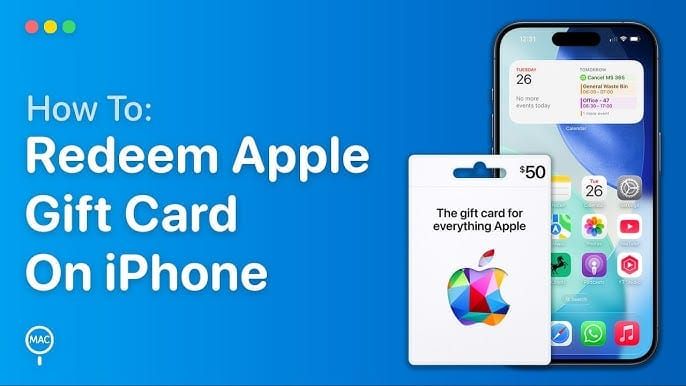
Mac folks: App Store > your name in the sidebar > Redeem Gift Card > code.
Wallet shortcut: iPhone Wallet app > Apple Account > the More button > Redeem.
Buying Robux with Apple Gift Card Balance
Roblox players on iPadOS 15+—this is your jam. Grab packs from 400 Robux ($4.99) all the way to 10,000 ($99.99); a $25 card stretches across a few solid buys. Balance dips first, always.
How-to:
- Open Roblox, shop for a Robux pack.
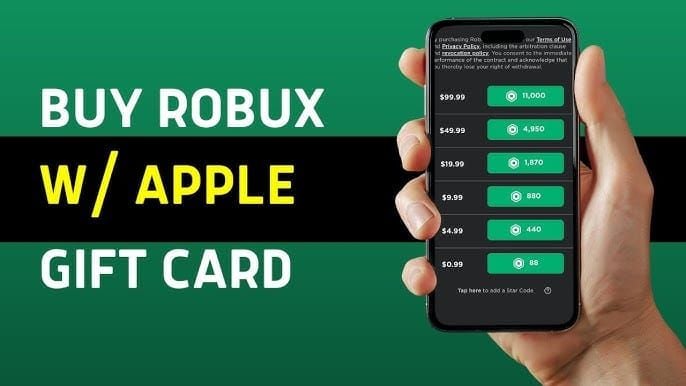
- Select Apple ID balance, confirm.
- Preload that balance ahead of time.
buy apple gift card for robux: BitTopup's got the edge—killer prices, codes drop instantly, fully compliant, region help, solid after-sales, and Roblox fans rave about it.
Hit a wall? Balance lagging? Give it 1-3 days. iPadOS 15+ is non-negotiable.
Purchasing Genshin Primogems via iTunes
Genshin's in-game shop sells Genesis Crystals (1:1 with Primogems): Snag $0.99 for 60 (doubles to 120 on first go), or go big with $99.99 for 6,480 (ballooning to 12,960). Might nudge you for payment verification—hang tight.
Steps:
- App Store > profile > Redeem that code.
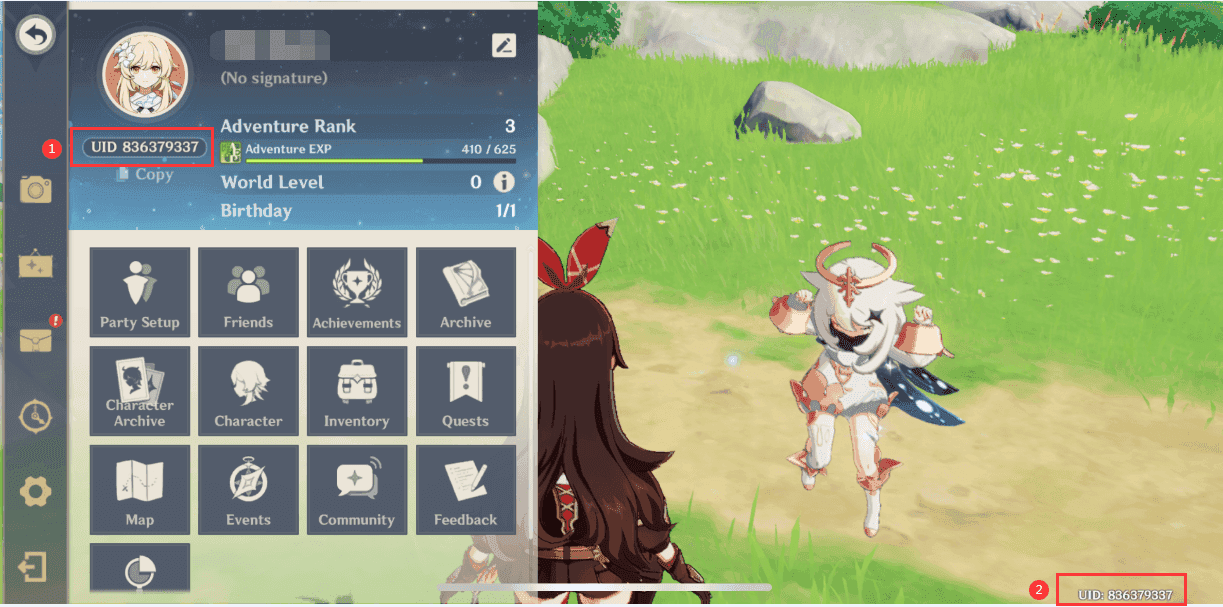
- Genshin shop > Crystals > pick balance > Face ID to seal it.
- Your UID? That's the 9-digit number from Paimon's menu.
Don't sleep on Welkin Moon: $4.99 gets 300 Genesis Crystals upfront + 90 Primogems daily for 30 days (2,700 total). Stack up to 180 days max.
apple itunes digital code instant: BitTopup nails it—blazing fast, saves you cash, locked-down security, Genshin-ready, top-notch support, glowing reviews.
Raw value? $99.99 pack nets 129.6 crystals per dollar. Perfect for those outfits needing 1,680 crystals.
First-Time Bonuses and Value Optimization
First-time magic doubles 'em: 60→120, 300→600, 980→1,960, 1,980→3,960, 3,280→6,560, 6,480→12,960. Resets hit August 28, 2025 (with v5.0).
Max it out:
- Hunt large packs on fresh accounts.
- Welkin? Equivalent to 600 crystals per buck—insane.
- Always preload your main account.
Game plan:
- Eye that Aug 28, 2025 reset.
- Buy right after.
Data dive on value (straight from in-game math):
- $0.99: 60→120 (121 crystals/$).
- $99.99: 6,480→12,960 (129.6 crystals/$).
(Editor's take: That slight edge on big packs? Worth chasing if you're optimizing—I've burned through enough crystals to know.)
Troubleshooting Common Issues
Region screw-up? Tweak General > Language & Region (pick America/Europe/Asia/TW/HK/MO). Genshin verification nagging? Add a temp payment (ditch it later).
Fast fixes:
- Delay? 1-3 days in Payment & Shipping.
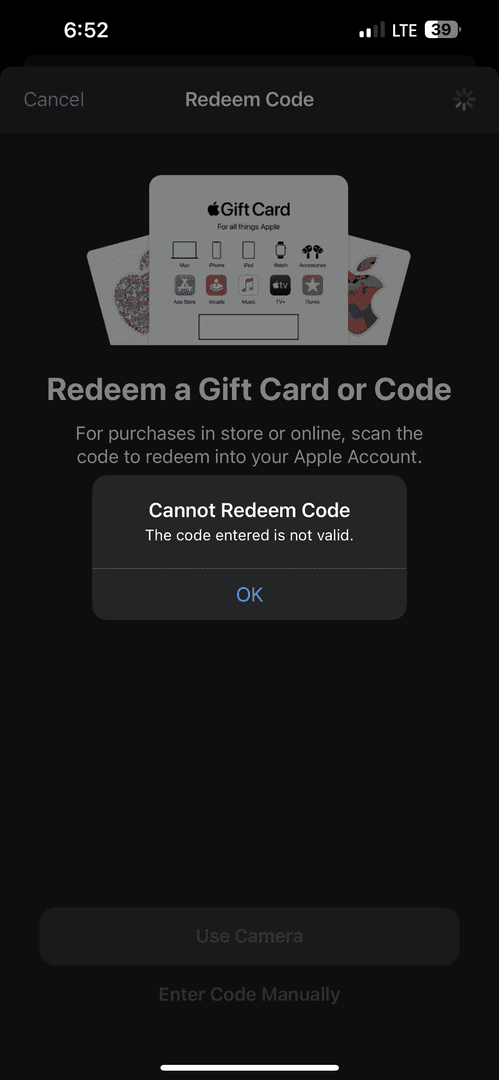
- Won't work? Must be App Store/iTunes—hit support.
- Genshin prompts payment? Balance still pulls first.
- Botched UID? Double-check Paimon menu. No take-backs.
2025 Best Practices and Updates
Apple balance loves Roblox/Genshin on iPadOS 15+ first; first-time reset looms Aug 28, 2025.
Run this checklist:
- Nail region and device match.
- Redeem, then confirm balance.
- Big packs + first-timers.
- Temp payment for any verifies.
BitTopup stands out: unbeatable prices, lightning delivery, secure and compliant, broad support, killer after-sales, sky-high user scores.
FAQ
Can I buy Robux with an Apple Gift Card?
Yep—redeem to App Store/iTunes balance first; Roblox app on iPadOS 15+; $25 card handles multiple packs easy.
How do I redeem Apple Gift Card for Genshin Primogems?
App Store > profile > code; Genshin shop > Crystals > balance; first-time doubles to 12,960.
Is it safe to use iTunes balance for Roblox in 2025?
Totally—no fees, balance deducts priority; just match regions and preload.
What are the steps to add Apple Gift Card to iTunes balance?
- App Store > profile > Redeem. 2. 16-digit code. 3. Check Payment & Shipping (1-3 days).
Does iTunes balance work for Genshin on iOS?
Yes, pulls first; add temp payment if it asks.
How to avoid issues with Apple Gift Cards for gaming?
Sync regions, wait the 1-3 days, grab App Store/iTunes types, stick to personal accounts.